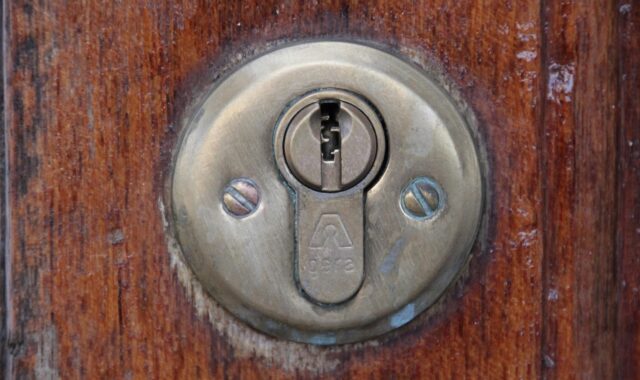
Electronic door handle and deadbolt systems for smart entry design

What the term means in smart entry hardware
An electronic door handle and deadbolt setup combines everyday door operation with controlled locking. The handle or lever retracts the latch so the door can open; the deadbolt projects a stronger bolt into the frame for security. The electronic layer may add a keypad, fingerprint reader, mobile app, card reader, wireless radio, motor drive, door-position sensing or event logging.
In the market, buyers usually see two formats: a connected handleset that integrates the handle and deadbolt, or a separate electronic deadbolt paired with a matching passage handle. The better choice depends less on the word smart and more on door fit, certified mechanical strength, power reliability, privacy controls and whether the lock can still be operated safely when electronics fail.
Why the handle and deadbolt should be evaluated together
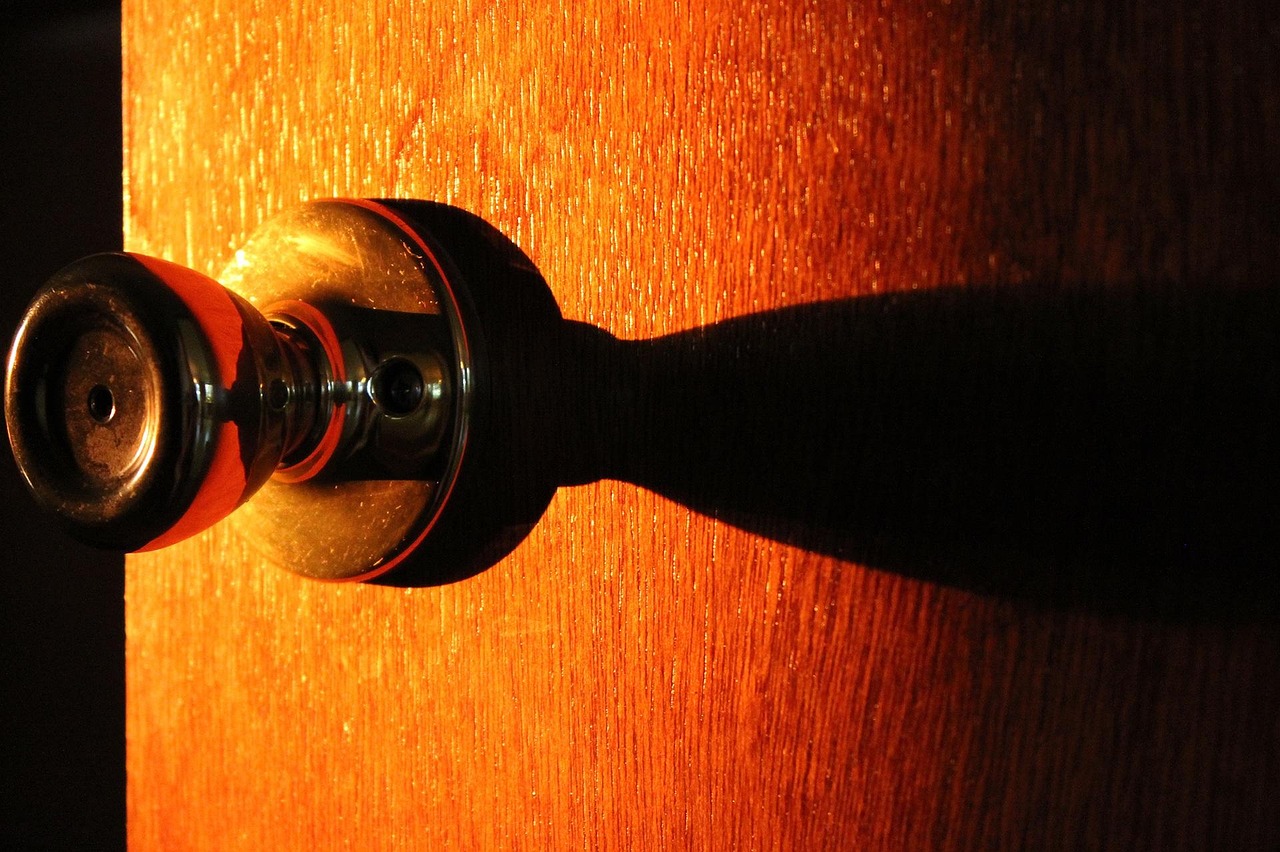
A smart entry system is not just a device mounted on a door. It is a mechanical assembly, an electronic system and a user workflow working together. The handle controls daily entry and exit, while the deadbolt provides the locked state most users associate with security. If either part is misaligned, loose or poorly matched to the frame, the electronics cannot compensate for weak installation.
That is why the handle and deadbolt should be reviewed as one system. A keypad deadbolt installed above a worn latch can still struggle if the door sags and the bolt rubs against the strike plate. A stylish electronic handleset may look complete, but if the bolt throw, strike reinforcement or cylinder quality is weak, the entry point remains vulnerable. For product teams and installers, the design question is not only whether the system can unlock remotely. It is whether it locks consistently, reports the true door state and preserves safe egress from the inside.
The same applies to user experience. A household may want one code for the front door, a temporary code for guests and a mechanical key for backup. A rental unit or small office may need audit logs and fast credential changes. In each case, the handle, deadbolt, app and physical key plan should be selected as one access-control experience rather than as separate decorative parts.
Standards, grades and door fit checks
Reliable selection starts with the door and frame. In the United States, residential deadbolts are commonly discussed through ANSI/BHMA A156.40, while residential locksets and latches are addressed through ANSI/BHMA A156.39. BHMA residential grading separates security, durability and finish, so a product described as AAA is claiming high performance across all three categories rather than using a vague marketing label. For commercial access-control equipment, UL 294 and related electric-locking standards may become relevant, especially where life-safety, fire-door or controlled-egress rules apply.
For a typical residential retrofit, the physical checks are simple but important: door thickness, face bore, edge bore, backset, cross-bore spacing between handle and deadbolt, handedness, strike depth and frame condition. Many electronic deadbolts are designed around common U.S. door preparation, but older doors, decorative handlesets, narrow stiles, metal doors and multi-point doors can fall outside ordinary assumptions.
| Fit item | Why it matters | Typical check |
|---|---|---|
| Door thickness | Tailpieces, screws and interior housings must reach correctly | Often around 1-3/8 to 1-3/4 inches for many residential models |
| Backset | The latch or bolt must align with the existing bore | Common residential options are 2-3/8 or 2-3/4 inches |
| Face bore and edge bore | The exterior keypad and bolt assembly need the right holes | Many U.S. deadbolts use a 2-1/8-inch face bore and 1-inch edge bore |
| Strike and frame | A strong lock is only as useful as the frame that receives it | Check bolt travel, screw length and jamb condition |
The sensors and modules inside a smart lock
An electronic entry lock is a compact sensor-and-actuator platform. A keypad or touchscreen captures local input. Some models add capacitive fingerprint sensing, NFC, RFID, Bluetooth, Wi-Fi, Zigbee, Z-Wave or Thread modules. A motor and gearbox drive the deadbolt. A position sensor may detect whether the bolt is extended, while a separate contact sensor may confirm whether the door is actually closed. Battery management circuits monitor voltage and trigger low-power behavior. Tamper sensing, accelerometers or case-open switches may be used to detect abnormal handling.
This mix of components makes smart locks relevant to the wider sensors and modules category. The lock is not only a finished consumer product; it is also a useful example of embedded design trade-offs. A high-torque motor can improve locking reliability but draws more power. Wi-Fi can simplify direct cloud connection, but it may shorten battery life compared with lower-power radios. A fingerprint sensor can reduce keypad friction, but it adds privacy and maintenance considerations. A door-position sensor can reduce false locked reports, but only if it is calibrated and mounted correctly.
The key practical point is status accuracy. A lock that reports locked only because the motor turned may be misleading if the bolt hit the strike and failed to extend fully. Better designs distinguish between a command, motor movement, bolt position and door position.
Connectivity choices and interoperability limits
Connectivity should match the job. A standalone keypad deadbolt is often enough for a side door or garage entry where remote control is unnecessary. Bluetooth can support local phone unlocking and setup with lower power use, but range is limited. Wi-Fi offers direct app and cloud access, yet it usually increases battery demand. Hub-based systems using Zigbee, Z-Wave or Thread can reduce power load and integrate with broader smart-home automations, but they also introduce ecosystem and setup dependencies.
The Matter smart-home standard matters because the Connectivity Standards Alliance lists door locks among supported Matter device categories. However, Matter support should not be treated as a guarantee that every feature will work the same way in every app. Basic lock and unlock control may be standardized, while advanced functions such as user-code management, fingerprint enrollment, video integration, logs or battery details can still vary by manufacturer, hub and software version. Buyers should verify the exact certification, radio type and feature support in the product documentation before purchase.
Interoperability also does not solve mechanical compatibility. A Matter-certified deadbolt still needs the right door prep, enough clearance for the interior housing and a frame that allows smooth bolt travel.
Security and privacy checklist
Public guidance from NIST on consumer IoT security emphasizes capabilities such as device identification, secure configuration, data protection, software updates and awareness of cybersecurity state. For a connected lock, those principles become practical questions: Can default credentials be changed? Are firmware updates available? Can users remove lost phones and old codes? Does the app support multi-factor authentication? Is lock-event data protected, and can it be deleted when ownership changes? See also: device architecture.
The Federal Trade Commission has also advised consumers to secure internet-connected devices by using strong account protections, keeping software updated, reviewing privacy settings and resetting smart devices before transfer. These points are especially relevant for door locks because access logs can reveal when people leave, return or allow guests inside. Convenience features such as remote unlock and temporary codes are useful, but they also create data trails and account risks.
- Use long, unique app passwords and enable multi-factor authentication when available.
- Create named guest codes instead of sharing one permanent household code.
- Delete temporary codes immediately after the visit or service window ends.
- Keep firmware and mobile apps updated through official channels.
- Review whether event logs, cloud storage or third-party integrations are necessary.
- Keep a physical backup key or documented emergency entry plan.
- Factory reset the lock before selling a home, moving out or transferring ownership.
For integrators, the privacy review should happen before installation, not after a complaint. Decide who can see logs, who can issue codes, how access is revoked and what happens if the vendor app or internet connection is unavailable.
When an electronic handle and deadbolt may not be the right answer
Electronic hardware is not suitable for every door. Fire-rated doors, shared building entrances, commercial exits, gates, narrow-stile doors, multi-point locking systems and doors governed by local egress codes may require different hardware or professional review. A double-cylinder deadbolt, for example, may raise emergency-exit concerns in some settings. Apartment renters also need permission before changing cylinders, drilling doors or connecting shared entrances to personal accounts.
Environmental exposure is another limitation. Outdoor gates, coastal air, extreme cold, direct rain and high heat can affect batteries, keypads, finishes and sensors. Product listings should be checked for operating temperature, ingress protection, door orientation and warranty exclusions. If the lock controls a door used by children, older adults or emergency responders, the safest design is one that remains obvious and operable from the inside without needing an app.
A practical selection checklist
Before choosing an electronic door handle and deadbolt system, define the actual access problem. A family home may prioritize simple codes and battery life. A workshop may need rugged hardware and offline operation. A short-term rental may need time-limited codes and a clear turnover process. A small office may need audit logs, administrator roles and integration with an access-control policy.
- Measure the door, backset, bore holes and spacing before selecting a model.
- Check product-specific ANSI/BHMA grading or other listed certifications instead of relying on broad brand claims.
- Confirm whether the product is a combined handleset, a deadbolt only or a lever lock.
- Test that the door closes smoothly without lifting, pulling or pushing before motorized locking is enabled.
- Choose the lowest-connectivity option that meets the use case, because every radio adds power and security considerations.
- Verify how codes, fingerprints, keys and mobile credentials are added and revoked.
- Plan for low battery, lost phone, network outage and vendor-account recovery.
- Document ownership transfer and factory-reset procedures.
The strongest smart-entry projects treat electronics as an added layer over sound door hardware, not as a substitute for it. When the mechanical fit, sensor feedback, power design and privacy model are considered together, an electronic handle and deadbolt can improve convenience without weakening the basic purpose of the door.
Frequently asked questions
Is an electronic door handle and deadbolt more secure than a mechanical lock?
Not automatically. Security depends on the certified deadbolt, cylinder, strike, frame, installation quality and account protections. Electronics can improve key control by allowing codes to be changed, but they also add software, battery and privacy risks that must be managed.
Should I choose a combined handleset or a separate electronic deadbolt?
A combined handleset gives a cleaner appearance and can align the design language of the entry door. A separate electronic deadbolt is often easier to retrofit and replace because it leaves the passage handle independent. The better option depends on hole spacing, door style, budget, repairability and whether you want to keep an existing handle.
Does Matter support mean I can use any smart lock with any smart-home app?
No. Matter can improve baseline interoperability for supported device categories such as door locks, but individual features still vary. Always check the exact model, radio, hub requirements and feature list for the ecosystem you plan to use.
What is the most overlooked installation issue?
Bolt alignment is often overlooked. If the door has to be pushed or lifted before the deadbolt turns, a motorized lock may jam or drain batteries quickly. Adjust the hinges, latch and strike before judging the electronics.