How to choose a Yale front door lock for a smarter entryway

What the search is really asking
When buyers compare a Yale front door lock for a main entry, the decision is not just about opening the door with a phone. The lock has to fit the door, support the access method people will use every day, and provide the right connectivity without creating avoidable battery, setup, or support problems. Yale’s U.S. smart lock materials reviewed on October 15, 2026 point to four practical paths: Assure Lock 2 for keypad deadbolt replacement, Assure Lock 2 Touch for fingerprint entry, Assure Lock 2 Plus for Apple Home Key use, and Approach for retrofit projects that keep the exterior hardware. The right choice depends on door preparation, smart-home ecosystem, fallback access, and whether remote control is genuinely needed.
For product engineers, installers, and smart-home buyers, a Yale front door lock is better evaluated as a small access-control system than as a decorative connected device. The mechanical deadbolt, keypad or biometric interface, app account, radio module, batteries, door-position sensing, and household recovery process all affect how well the installation works. This article reflects public manufacturer, BHMA, Connectivity Standards Alliance, and Thread Group information available in October 2026; it is not a hands-on lab test and does not identify one universal best model. You can also explore more in product engineering.
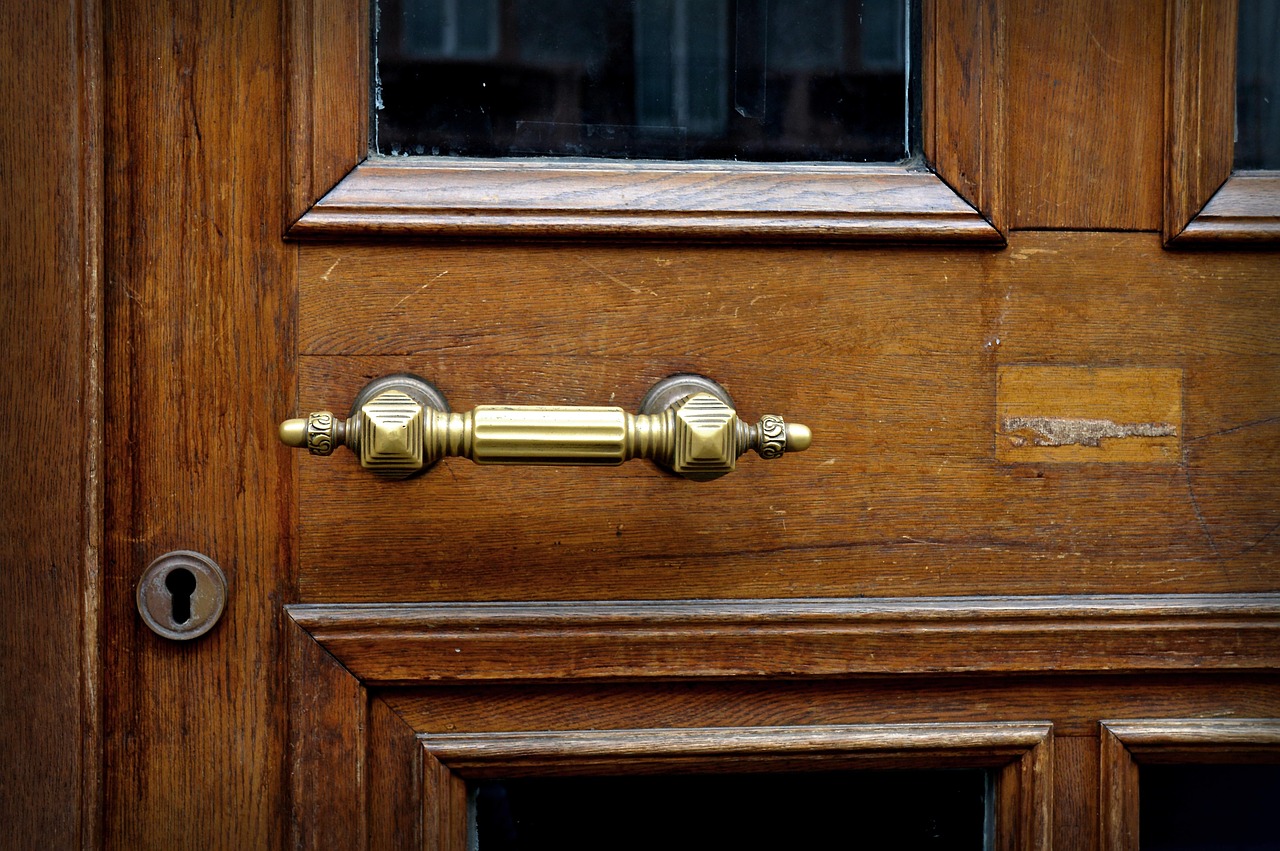
For more smart hardware analysis, see our product engineering section.
Yale front door lock options and where they fit
Yale’s smart lock range separates several common entryway use cases. The main decision is whether the lock should replace the exterior deadbolt, add biometric or wallet-based access, or retrofit the inside thumb-turn while leaving the outside of the door unchanged.
| Yale path | Best fit | Engineering note |
|---|---|---|
| Assure Lock 2 | Standard front doors where keypad access is the priority | Replaces the deadbolt and is offered in keyed and key-free styles, with Bluetooth and upgrade paths depending on model. |
| Assure Lock 2 Touch | Homes that want fingerprint entry plus keypad backup | Yale product pages describe fingerprint access, local fingerprint storage, DoorSense auto-lock behavior, and ANSI/BHMA Grade 2 testing on listed models. |
| Assure Lock 2 Plus | Apple-centered households that value tap-to-unlock | Designed around Apple Home Key access, with device requirements depending on iPhone, Apple Watch, and Yale model configuration. |
| Approach Lock | Retrofit projects where the exterior hardware should remain | Installs on the inside of the door and can be paired with Yale keypad options, making it relevant for renters or design-sensitive entries when allowed by the property owner. |
The practical takeaway is straightforward: start with the door and the users, then choose the electronics. A family that wants a visible keypad for children may prefer an Assure Lock 2 keypad model. A household that often loses keys may value key-free or fingerprint entry. An Apple-heavy home may prefer the Plus route. A project where curbside appearance cannot change should examine Approach first.
Mechanical fit comes before app features
The most common smart-lock mistake is treating compatibility as an app question only. A front door lock is still door hardware, so bore size, backset, door thickness, latch alignment, strike position, weather exposure, and handing all matter before connectivity is considered.
Yale’s listed Assure Lock 2 technical specifications commonly reference standard U.S. door preparation such as 2 3/8-inch or 2 3/4-inch backset options, common face-bore requirements, and door thickness ranges around 1 3/8 inches to 2 1/4 inches on many models. Those figures are useful screening points, but the exact product page and installation guide should be checked for the selected SKU because key-free, keyed, touchscreen, keypad, Wi-Fi, and bundle versions can differ.
- Check door alignment first. A motorized deadbolt should extend and retract smoothly by hand. If the bolt rubs the strike plate, the motor may work harder and battery life may suffer.
- Confirm exterior exposure. A lock on a covered porch faces a different environment from a lock exposed to direct rain, sun, and winter freeze-thaw cycles.
- Plan emergency access. Keyed versions offer a physical backup, while key-free versions depend more heavily on keypad, battery terminals, app recovery, or manufacturer-defined override steps.
- Measure before buying bundles. Handleset bundles can solve finish matching, but they add another fit variable.
From an engineering perspective, a smooth mechanical installation is part of the security design. The best app cannot compensate for a misaligned deadbolt or a weak strike installation.
Connectivity choices shape the ownership experience
Bluetooth, Wi-Fi, Z-Wave, and Matter are not interchangeable labels. They define how the lock communicates, how remote access is delivered, what hubs or controllers may be required, and how much battery drain to expect.
Bluetooth is useful for local control and setup because it avoids keeping the lock continuously connected to a home router. For many households, Bluetooth plus keypad access is enough if remote unlocking, remote notifications, and automation are not priorities. Wi-Fi adds convenience because it enables remote control and notifications through supported apps, but it can draw more power and depends on good 2.4 GHz coverage at the door. Yale support and product materials note that some Wi-Fi configurations require a compatible module or bridge, and specific Wi-Fi models specify 2.4 GHz network requirements.
Z-Wave is a different path. It is typically chosen by users who already have a compatible smart home or security hub. The attraction is integration with alarm and automation systems rather than direct router connection. The limitation is that the lock experience depends on the hub, app, and supported command set.
Matter needs especially careful purchasing language. The Connectivity Standards Alliance defines Matter as an application-layer standard for smart-home interoperability, and Matter includes door locks as a supported device category. The Thread Group describes Thread as a low-power IP-based mesh transport often used with Matter, while Matter can also operate over Wi-Fi or Ethernet depending on device type. That does not mean every Yale lock automatically supports every Matter feature. Yale support pages have treated Matter modules and lock models differently over time, so buyers should verify current compatibility for the exact model number before relying on a Matter upgrade path.
| Connection type | What it is good for | Main caution |
|---|---|---|
| Bluetooth | Local setup, keypad households, lower complexity | Remote access may require a module, bridge, or compatible platform. |
| Wi-Fi | Remote control, alerts, voice assistant integration | Needs strong network coverage and can affect battery life. |
| Z-Wave | Security panels and established home automation hubs | Requires hub compatibility and careful pairing support. |
| Matter | Cross-platform smart-home planning | Feature support depends on the exact lock, module, controller, and firmware. |
Security is more than the word smart
A Yale front door lock can add convenience, but security still depends on layered design. Yale’s Assure Lock materials list features such as two-factor authentication, local code storage on certain models, matte keypads for fingerprint resistance, activity feeds, and DoorSense-enabled auto-lock behavior. These features are useful, but they address different risks and should be assessed by model and configuration.
BHMA consumer guidance separates residential door hardware performance into security, durability, and finish considerations. That distinction matters. A lock can have a strong app experience while still needing mechanical durability, weather resistance, and a properly installed strike. Yale’s Assure Lock pages identify ANSI/BHMA Grade 2 testing on listed models, which is a meaningful data point, but it should not be read as a guarantee that the entire door assembly is secure. Door frame reinforcement, screw length, glass near the lock, and household key management remain outside the lock’s electronics.
Access control should also be designed around people. Give guests unique codes rather than shared family codes when the model and app support it. Remove temporary access when a service visit ends. Avoid placing a smart lock on an account shared with too many unrelated devices. If voice unlocking is enabled, use the platform’s required PIN or confirmation controls and understand the difference between locking by voice and unlocking by voice. See also: device architecture.
Installation and lifecycle considerations
Yale positions many of its residential smart locks as screwdriver-installable on standard doors, but simple installation does not remove the need for lifecycle planning. Batteries, firmware, phone changes, platform changes, Wi-Fi replacements, and tenant turnover can all affect the lock after the first week.
Before specifying a Yale lock for a home, rental unit, or small property portfolio, document four things: who owns the app account, who can create or delete codes, how the lock is reset when ownership changes, and what happens if the network is offline. A front door is too important for access rules to exist only in one person’s memory.
Battery planning is especially important on the front door because it is usually the most used exterior entry. Reduce friction by keeping the deadbolt path clean, replacing batteries as a set, and choosing reputable alkaline batteries unless the selected Yale documentation allows another chemistry. If the project requires frequent remote events, alerts, and automations, expect a different battery profile than a keypad-only installation.
For multi-user homes, the most reliable design is often the least dramatic one: keypad codes for daily access, app control for administrators, auto-lock configured with a realistic delay, and a clear backup plan. Fingerprint, Apple Home Key, Matter, and remote unlock features can be valuable, but they should add resilience rather than become the only way to enter.
Decision framework for buyers and product teams
Use this sequence before choosing a model:
- Define the access method. Decide whether the primary action should be keypad code, fingerprint, phone tap, app unlock, physical key, or automation.
- Validate the door. Measure the door and confirm the deadbolt moves freely without motor assistance.
- Select the ecosystem. Choose Apple Home, Google Home, Alexa, SmartThings, Z-Wave security panel, Matter controller, or Yale-only operation before buying modules.
- Check exact model documentation. Match the model number, module, finish, key option, and region to the current Yale support page.
- Plan recovery. Decide how the household enters during dead batteries, lost phones, app lockouts, or internet outages.
This framework prevents a common mismatch: buying the lock with the most advertised features while ignoring the daily access pattern. In practice, the right Yale front door lock is the one that fits the door, fits the household, and can still be operated when the network is imperfect.
Frequently asked questions
Is a Yale front door lock suitable for a main entry door?
Yes, many Yale smart deadbolts are designed for residential entry doors, but suitability depends on the specific door preparation, lock model, weather exposure, installation quality, and access requirements. Always match the exact model to the door and region before purchase.
Should I choose keyed or key-free?
Choose keyed if the household wants a familiar physical backup and accepts key management. Choose key-free if the priority is avoiding key duplication and relying on keypad, app, battery backup procedure, or other electronic recovery methods. Neither choice is automatically better; it changes the failure mode.
Do I need Wi-Fi on a Yale front door lock?
You need Wi-Fi or a compatible bridge/module if remote control, remote alerts, and certain voice or smart-home features are required. If users mainly enter by keypad or fingerprint while standing at the door, Bluetooth and local access may be enough.
Does Matter support mean every feature will work in every app?
No. Matter improves interoperability, but feature exposure still depends on the lock, module, controller, firmware, and smart-home platform. For locks, verify code management, battery reporting, door position status, and automation behavior before assuming full feature parity.
What is the main product engineering lesson?
Treat the lock as an integrated system: mechanical fit, access interface, wireless protocol, account control, power management, and fallback entry. A Yale lock can be a strong smart entry upgrade when those parts are specified together.