Keypad lock and deadbolt engineering considerations for smart access
What buyers and engineers are really comparing
A keypad lock and deadbolt should be evaluated as a complete access system. The door, frame, bolt, strike, keypad, controller, power design, credential policy, and software support all affect the result. The keypad changes how people enter and manage access, while the deadbolt remains the main physical barrier. A smooth keypad experience cannot make up for a weak door frame, poor bolt alignment, unclear battery behavior, or unsupported firmware. For product teams, the key question is not whether electronic access is always better than a mechanical key. It is whether the selected lock provides verifiable mechanical strength, predictable failure modes, secure credential handling, and a support model that fits the installation.
This matters because keypad deadbolts now sit between two mature industries. They are still door hardware, where fit, durability, finish, bolt engagement, and installation quality shape everyday performance. They are also connected or semi-connected electronics, where software updates, account security, wireless behavior, and data handling influence risk. For broader smart hardware context, see our product engineering coverage.
The deadbolt is still the security foundation
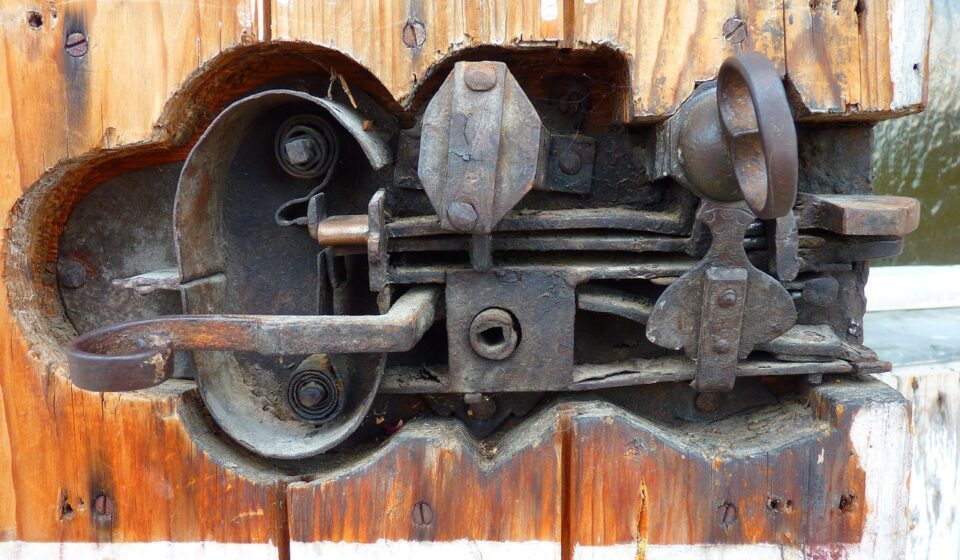
A keypad changes the credential, not the physics of the door. A deadbolt uses a bolt that is deliberately thrown into the frame, instead of relying on a spring latch alone. That is why many residential entry doors pair a latchset with a separate deadbolt, or use an integrated electronic deadbolt. In engineering terms, the lock must handle ordinary wear, forced movement, misalignment, weather exposure, and user mistakes before its digital features become meaningful.
Mechanical fit should be the first screening step. Door thickness, bore preparation, backset, handing, trim clearance, strike position, and existing holes can determine whether a keypad deadbolt works reliably. Retrofit products can reduce installation complexity, but they still depend on the existing bolt moving freely. If the bolt requires a hard push or a lifted handle to align, a small battery-powered motor may interpret the condition as a jam, drain power faster, or leave the door unlocked when the user expects it to lock.
Strike quality is just as important as lock quality. A deadbolt performs as intended only when the bolt enters a properly positioned strike and the strike is secured to material that can carry force. Product pages often emphasize the keypad, fingerprint reader, app, or finish, but installers and engineers should also examine the physical package: strike plate design, screw length options, reinforcement instructions, bolt throw consistency, gasket clearance, and tolerance for seasonal door movement.
Standards language can prevent misleading comparisons
Public summaries of ANSI/BHMA standards are useful because they separate marketing claims from defined test categories. ANSI/BHMA A156.40-2025 addresses residential deadbolts and deadlatches, including durability, security, and finish tests. The standard summaries also note an important limitation: laboratory results can vary in actual use because installation, maintenance, door and frame construction, and environmental conditions affect performance.
For electrified products, ANSI/BHMA A156.25-2023 covers electrified locking devices. Its public summary describes electronic locking systems as including locking devices, input devices, controlling devices, and power supplies, and it includes cyclical, security, operational, strength, and environmental test requirements. That distinction matters for keypad locks because the electronic input may be integrated into the lock body rather than treated as a separate accessory.
Residential and commercial grading should not be mixed casually. Some residential certification labels use A/B/C ratings across categories such as security, durability, and finish, while commercial lock grades use a different Grade 1, Grade 2, and Grade 3 convention. A product described as strong in one context is not automatically comparable to a product tested under another standard. Engineers and specifiers should ask which exact standard, edition, category, and product model the claim applies to.
| Evidence to check | Why it matters | Common limitation |
|---|---|---|
| Residential deadbolt certification | Shows that the deadbolt was tested for defined performance categories | Does not fix poor installation or weak door construction |
| Electrified locking device testing | Connects keypad, controller, and lock operation to repeatable tests | May not cover every app, cloud, or platform feature |
| High-security cylinder listing | Can indicate added resistance for the key cylinder component | Does not automatically certify the whole smart lock |
| Published support period | Helps buyers understand how long security updates are expected | A short or unclear policy creates lifecycle risk |
Keypad design affects usability and risk
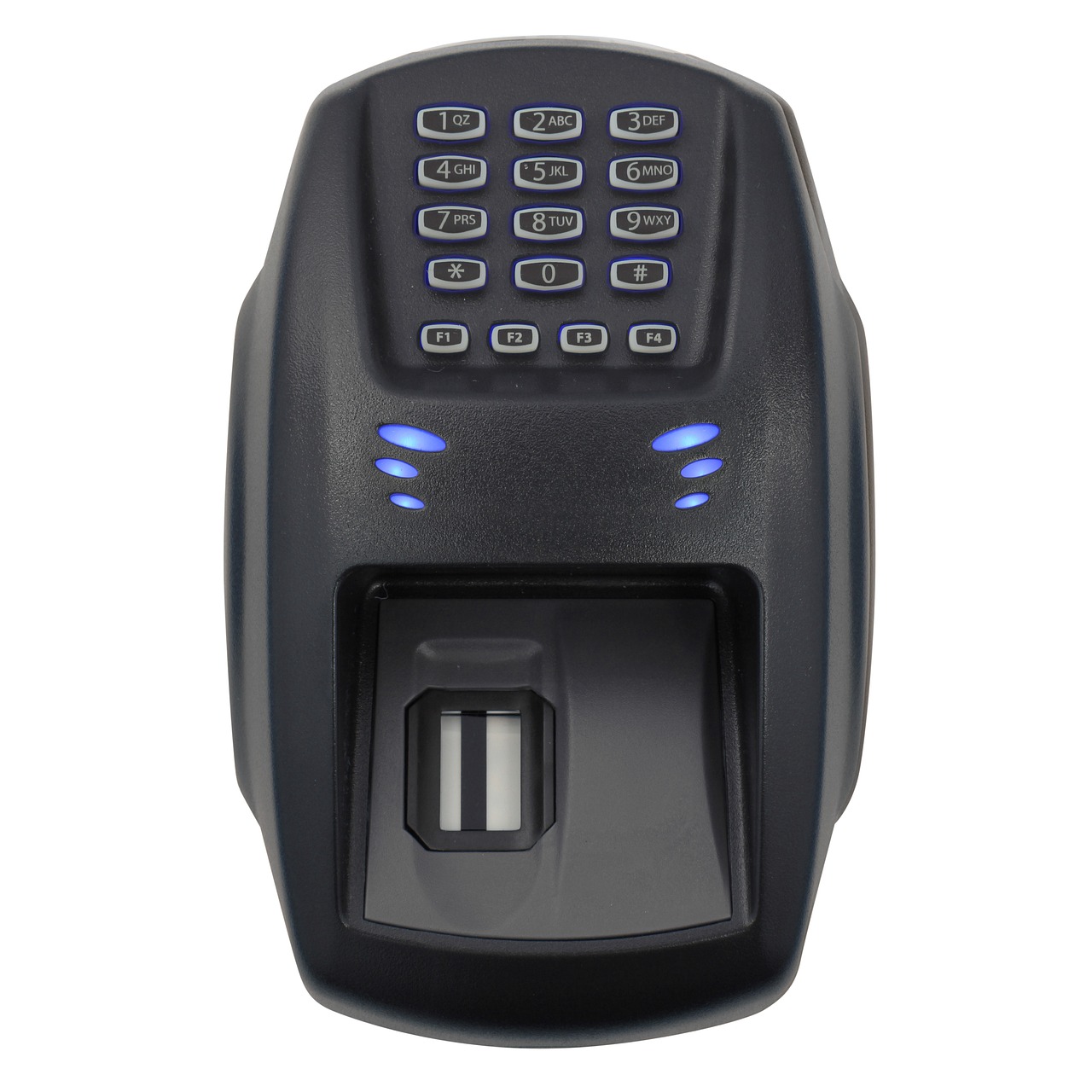
The keypad is the visible part of the system, but its engineering choices affect both convenience and security. Tactile buttons can be easier to use with gloves and in poor weather. Capacitive touch panels can support a cleaner industrial design, but they may require stronger water rejection, lighting, and debounce logic. Backlighting helps at night, but it consumes power and can reveal smudge patterns if the surface is not designed carefully.
Credential design is a major differentiator. A basic keypad deadbolt may support one master code and several user codes. A more advanced design may support temporary codes, recurring schedules, one-time codes, code length rules, lockout after repeated attempts, audit records, and remote deletion. For rental, small office, or shared household use, code lifecycle management is often more valuable than adding another unlocking method.
More unlocking methods also increase the engineering burden. A lock that supports PIN, app, voice assistant, fingerprint, NFC card, mechanical key, and remote unlock must protect more interfaces. Each interface needs clear priority rules, logging behavior, reset behavior, and recovery paths. If the product cannot explain what happens after a factory reset, hub removal, lost phone, dead battery, or deleted account, the access experience is incomplete.
Power and failure modes need explicit design
Battery life claims should be treated as scenario-dependent. Motor load, bolt friction, wireless protocol, temperature, keypad lighting, polling frequency, and user volume can all change consumption. A Wi-Fi lock can be convenient because it may connect without a separate bridge, but Wi-Fi typically requires more power than low-power local protocols. Bluetooth is often efficient for nearby access. Thread can be attractive for smart home products because it is designed for low-power mesh networking, but it requires compatible network infrastructure, such as a Thread border router, for full ecosystem use.
Failure modes should be defined before the enclosure is finalized. Users need to know what happens when batteries are low, when the bolt jams, when the door is open during auto-lock, when the keypad is wet, when a child enters wrong codes repeatedly, or when a cloud service is unavailable. A good product does not simply claim to provide a low-battery warning. It defines the warning threshold, local alert behavior, app alert behavior if connected, emergency power method, physical key option, and whether stored codes remain available after battery replacement. See also: device architecture.
Door-position sensing is especially important for auto-lock features. Without knowing whether the door is actually closed, a lock may throw the bolt while the door is open and create a false sense of security. Some systems solve this with a separate contact sensor, an integrated door sensor, or app-based status logic. The key engineering point is that locked and door closed are not the same state.
Connectivity changes the buying criteria
Connected keypad deadbolts must be evaluated with cybersecurity in mind. NIST IR 8425, published in September 2022, describes a consumer IoT cybersecurity baseline that includes capabilities such as product identification, secure configuration, data protection, interface access control, software update capability, and cybersecurity state awareness. For a door lock, these are not abstract IT features. They influence how the lock receives updates, how credentials are protected, how administrators are managed, and how vulnerabilities are handled after purchase.
The FCC adopted rules for the voluntary U.S. Cyber Trust Mark program in 2024. The program uses a label and QR-code model to help consumers identify qualifying wireless consumer IoT products that meet defined cybersecurity criteria. A missing label does not automatically mean a keypad deadbolt is unsafe, especially while market adoption develops, but the program reflects a broader shift: buyers are increasingly expected to compare update support, vulnerability disclosure, and security documentation, not only finish color and app screenshots.
Interoperability is moving in the same direction. Matter, the smart home standard maintained by the Connectivity Standards Alliance, supports door locks and is intended to improve cross-platform device control. As of October 2026, public CSA materials identify Matter 1.5.1, released on March 31, 2026, as the latest update. For keypad lock and deadbolt products, Matter can reduce ecosystem lock-in, but it does not guarantee that every manufacturer-specific feature will appear identically in every app. Basic lock and unlock control may be more portable than advanced PIN scheduling, audit logs, battery analytics, or biometric settings.
Procurement checklist for keypad deadbolts
A practical evaluation should combine mechanical, electronic, and lifecycle questions. The following checklist is useful for homeowners comparing products, integrators specifying small projects, and product teams benchmarking the market.
- Mechanical fit: Confirm door thickness, bore, backset, handing, trim clearance, and strike alignment before choosing a model.
- Deadbolt evidence: Look for the exact residential deadbolt standard, grade, or certification claim, not a vague security phrase.
- Electronic testing: For electrified locks, check whether the keypad and control functions are included in the tested assembly.
- Credential policy: Compare number of codes, code length, temporary access, schedules, wrong-code lockout, and deletion behavior.
- Failure behavior: Verify low-battery warnings, emergency power, physical override, jam detection, and offline unlocking.
- Connectivity needs: Decide whether Bluetooth, Wi-Fi, Thread, Matter, or a bridge-based design best fits the site.
- Software support: Prefer products that publish update practices, support period, privacy information, and vulnerability reporting channels.
- Installation quality: Treat the door frame, strike reinforcement, and bolt alignment as part of the lock system.
The central lesson is simple: a keypad deadbolt is not automatically secure because it is smart, and it is not automatically risky because it is electronic. The strongest candidates are the products that make their mechanical rating, electronic behavior, recovery paths, and software lifecycle easy to verify.
Frequently asked questions
Is a keypad lock and deadbolt safer than a keyed deadbolt?
It depends on the product and installation. A keypad can reduce risks from hidden spare keys and make it easier to change access after a guest, tenant, contractor, or employee leaves. The deadbolt, strike, door, frame, and installation still determine much of the physical resistance. A poorly installed electronic deadbolt is not better than a properly installed mechanical one simply because it has a keypad.
Do keypad deadbolts need Wi-Fi?
No. Some keypad deadbolts are fully offline and store codes locally. Others use Bluetooth for nearby access, Wi-Fi for direct remote control, or Thread and Matter for smart home integration. Wi-Fi may simplify remote features, but it can increase power demand. The right choice depends on whether the user needs remote unlocking, activity alerts, platform integration, or only keyless local entry.
What should happen when the battery dies?
The product should define this clearly before purchase. Common recovery paths include a mechanical key, external emergency power contacts, temporary USB power, or an inside thumb turn for egress. The lock should also warn users early enough to replace batteries before failure. For shared or rental properties, battery replacement responsibility should be part of the access policy.
Does Matter make all smart lock features work in every app?
Not necessarily. Matter improves cross-platform interoperability for supported device types, including door locks, but platforms may expose different subsets of features. A manufacturer app may still be required for setup, firmware updates, advanced code management, fingerprint configuration, detailed logs, or diagnostics. Buyers should confirm the exact features available in their preferred ecosystem.