How to choose Arduino modules and sensors for reliable prototypes
What Arduino modules and sensors do in a prototype
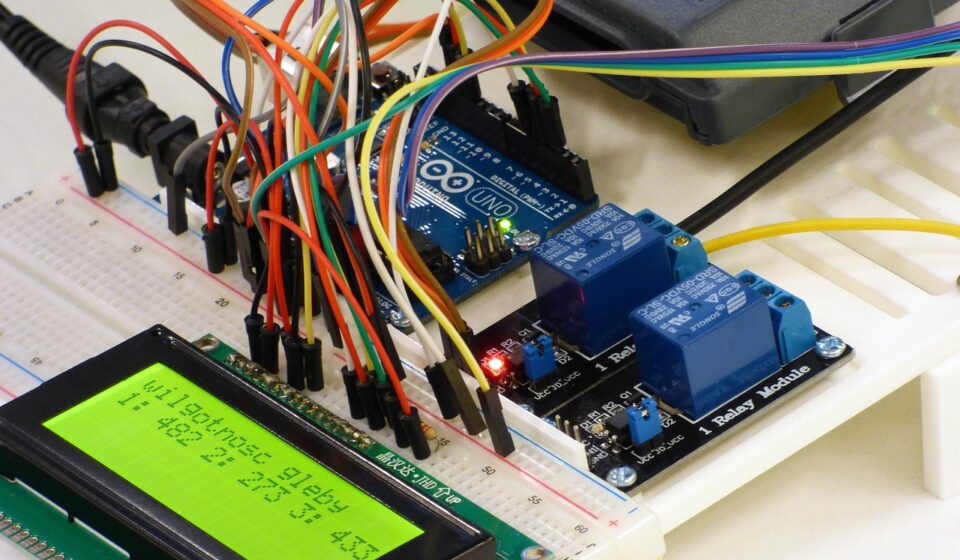
In an Arduino prototype, modules and sensors are the hardware blocks that let a microcontroller detect the physical world, move loads, display data, store information, or communicate with other devices. A reliable design does not start with the most popular part name. It starts by matching the required measurement or function to the right signal type, voltage, interface, power budget, library support, and operating environment. For readers comparing parts, the sensors and modules category is a useful place to group related hardware topics, but the selection method should stay consistent across brands and boards.
A sensor usually converts a physical condition, such as light, distance, temperature, movement, or gas concentration, into an electrical signal or digital reading. A module usually adds supporting circuitry around a component: voltage regulation, level shifting, pull-up resistors, connectors, indicator LEDs, filters, or a small microcontroller. That extra circuitry can make wiring easier, but it can also hide limits that become important in a finished prototype.
Start with signal type, not the part name
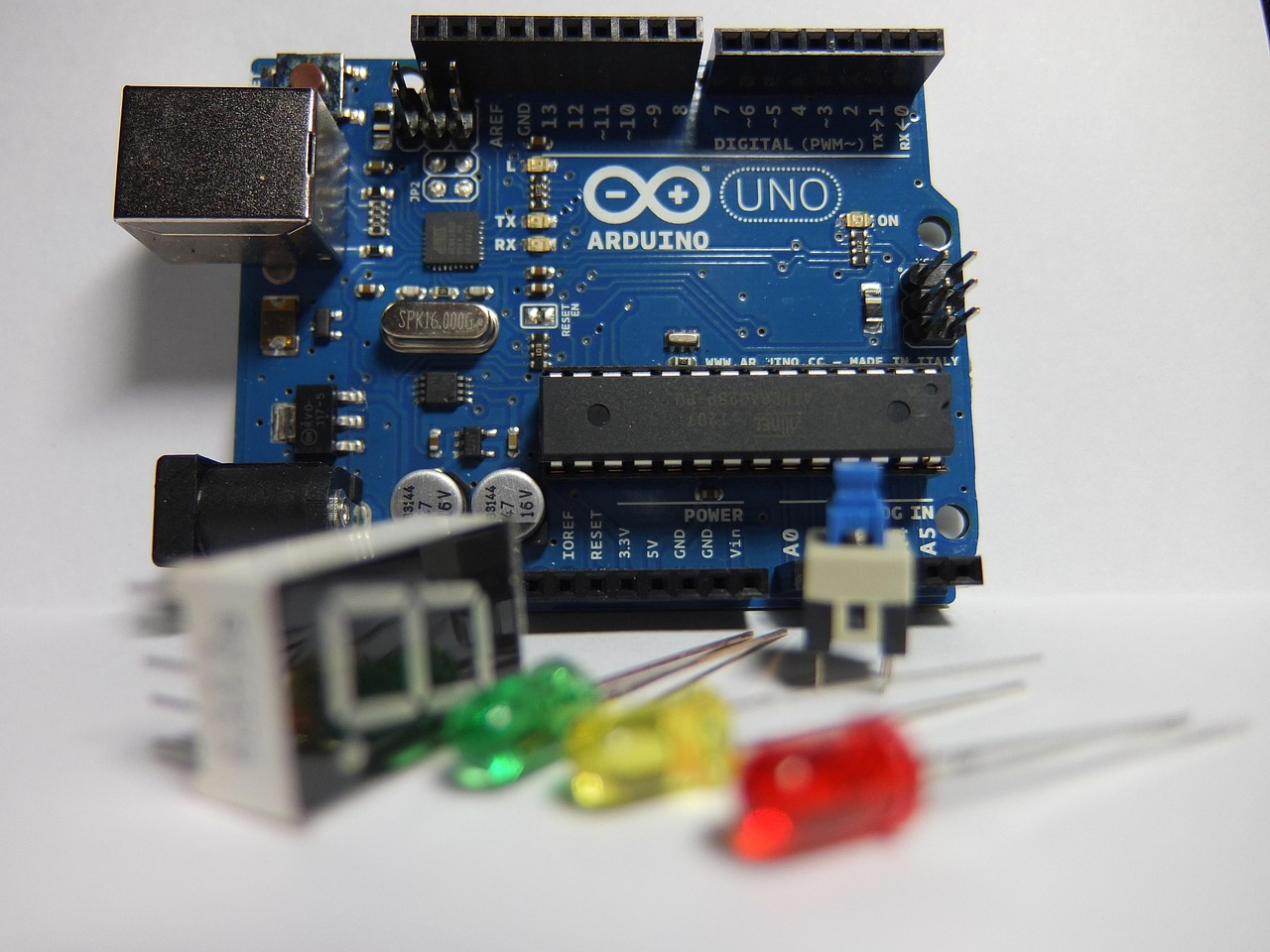
The first useful question is simple: what kind of signal does the board need to read or write? Arduino documentation separates core functions into areas such as digital I/O, analog I/O, PWM output, Serial, SPI, and Wire for I2C communication. That structure is practical because every module ultimately connects to the microcontroller through one of these paths.
Digital and analog modules
Digital sensors and modules produce or accept a high or low state. Buttons, limit switches, basic PIR motion modules, relay inputs, and many simple output boards fall into this group. They are easy to test because the sketch usually reads or writes one pin with a clear on/off meaning. The common problems are less obvious: floating inputs, missing pull-up or pull-down resistors, voltage mismatch, or slow mechanical bounce from switches.
Analog sensors produce a voltage that represents a variable value. Light-dependent resistor boards, potentiometers, some sound level modules, soil moisture boards, and many simple gas sensor boards are common examples. On classic Arduino examples for AVR-based boards, analog input readings are often shown as values from 0 to 1023 because the analog-to-digital converter is treated as 10-bit. That number is not automatically a real-world unit. To become degrees, lux, pressure, distance, or concentration, it needs calibration, a stable reference voltage, and the correct sensor equation from the datasheet.
PWM, I2C, SPI, UART, and 1-Wire
PWM modules are often used for dimming LEDs, driving servos, or controlling motor speed through a driver board. The Arduino analogWrite function is commonly taught with values from 0 to 255 on many traditional boards, while newer board cores may allow different PWM resolutions. If the project depends on smooth output, check both the board documentation and the module documentation instead of assuming every pin behaves the same way.
I2C modules use two main signal lines, SDA and SCL, and are widely used for displays, environmental sensors, real-time clocks, and I/O expanders. I2C is convenient because several devices can share the same bus when their addresses do not conflict. SPI modules use separate clock, data, and chip-select lines. They usually need more pins but are common for displays, memory cards, radio modules, and faster converters. UART modules use transmit and receive lines and are often found in GPS receivers, Bluetooth serial adapters, and industrial interface boards. 1-Wire devices use a minimal wiring approach and are common in temperature measurement.
Match the module to the Arduino board
Not every Arduino-compatible board exposes the same voltage, pin layout, processor capability, or peripheral functions. A module that works cleanly on a 5 V Uno-style board may need level shifting on a 3.3 V board. A module designed for 3.3 V logic may be damaged by a direct 5 V signal if it is not tolerant. This is one of the most common reasons a quick breadboard test works once but fails later.
Voltage and logic levels
Separate the supply voltage from the signal voltage. Some modules accept 5 V power because they include a regulator, yet their data pins still operate at 3.3 V. Others advertise a broad input voltage range but do not level-shift I2C, SPI, or UART pins. Before connecting the module, confirm the allowed VCC range, the high and low input thresholds, and whether the module output can safely feed the Arduino input pin.
Pin budget and bus sharing
A small project can run out of pins sooner than expected. A display, SD card, encoder, relay board, and several sensors can consume most available GPIO if each module is wired separately. I2C expanders, multiplexers, SPI chip-select planning, and analog multiplexers can help, but they also add software complexity and possible timing issues. For a project that may grow, choose a board and bus layout with spare pins from the start.
Power, grounding, and noise
Power is not just a voltage label. Motors, relays, solenoids, heaters, wireless modules, and bright LED arrays can draw current spikes that reset a microcontroller or corrupt sensor readings. Use the module datasheet to estimate peak current, not only typical current. Keep grounds common where signals cross between supplies, add decoupling capacitors near noisy modules when appropriate, and avoid powering high-current loads directly from a small board regulator unless the board documentation clearly supports it.
Compare common module categories before buying
The table below is a practical selection guide. It does not name a universal best part because the right choice depends on operating range, required accuracy, update rate, wiring distance, software support, and enclosure design.
| Category | Common uses | Typical interfaces | What to verify |
|---|---|---|---|
| Environmental sensors | Temperature, humidity, pressure, light, air quality | Analog, I2C, SPI, 1-Wire | Range, accuracy, calibration, warm-up time, airflow, enclosure effects |
| Motion and orientation | Tilt, acceleration, rotation, gesture, vibration | I2C, SPI, digital interrupt pins | Sampling rate, noise, filtering, interrupt support, mounting direction |
| Distance and presence | Object detection, level sensing, robot obstacle detection | Digital pulse, analog, I2C, UART | Minimum distance, target material, field of view, sunlight sensitivity |
| Position and timing | GPS, rotary encoders, real-time clocks, limit detection | UART, I2C, digital pins | Backup battery, update rate, debounce, antenna placement, interrupt needs |
| Actuator and load modules | Motors, relays, valves, LEDs, buzzers | Digital, PWM, I2C, SPI | Load current, isolation, flyback protection, heat dissipation, external supply |
| Display, storage, and communication | User interface, logging, wireless links, memory cards | I2C, SPI, UART | Pin use, voltage level, library size, memory use, bus conflicts |
Read datasheets and libraries before wiring
A module listing can describe convenience, but the datasheet defines the limits. Check the absolute maximum ratings, normal operating range, recommended wiring, output type, timing diagrams, calibration notes, and environmental restrictions. If a module uses a sensor chip from one manufacturer and a breakout board from another, read both sets of documentation when available. See also: device architecture.
Library quality matters just as much. A useful library should identify supported chips, show wiring assumptions, document dependencies, and provide examples that match current Arduino IDE usage. If a library example was written for an older board, verify pin names, voltage assumptions, and timing behavior before copying it into a new design. This is especially important for displays, wireless modules, high-resolution sensors, and anything that uses interrupts or timers.
- Confirm whether the module has pull-up resistors already installed, especially on I2C boards.
- Check whether the board exposes an address-selection jumper or solder bridge.
- Look for calibration instructions, not only example code that prints raw values.
- Verify whether the module can operate continuously or only in duty-cycled measurement windows.
- Check whether the library blocks the main loop, because blocking code can break responsive controls.
A practical testing workflow for dependable results
A dependable prototype is built in layers. Test one module at a time before combining everything into the final sketch. This reduces the number of variables and makes wiring faults, address conflicts, library conflicts, and power problems easier to isolate.
- Bench-test the module alone. Use the simplest official or vendor example that matches the module and board. Confirm that the readings change in the expected direction.
- Record raw values. Save a short set of readings at known conditions. Raw values reveal noise, drift, saturation, and wiring problems before unit conversion hides them.
- Add calibration or scaling. Convert raw readings only after checking the reference voltage, sensor range, and formula.
- Test edge cases. Try low light, high temperature, minimum distance, low battery, movement, or long wires, depending on the project.
- Integrate gradually. Add modules one by one and retest after each addition. Bus conflicts and power dips usually appear during integration.
- Document final wiring. Keep a pin table, voltage table, I2C address list, and library list so the project can be rebuilt later.
Mistakes that cause unreliable readings
Many sensor problems look like software bugs but start as hardware assumptions. A floating analog input can produce random numbers. A loose ground can make a digital signal unstable. A long unshielded cable can add noise to an analog sensor. A module powered from a breadboard rail can fail when a motor starts. These issues are normal in prototyping, but they should be designed out before the project is enclosed.
Another common mistake is treating example code as a finished driver. Example sketches are meant to demonstrate a concept. They may use delays, fixed thresholds, assumed pin numbers, or simplified calibration. For a stable build, replace fixed thresholds with measured limits where possible, handle sensor errors, avoid unnecessary blocking delays, and define clear behavior for missing or out-of-range readings.
Finally, low-cost modules with the same name may not be electrically identical. Board layouts, pull-up values, regulators, connector labels, and sensor chip revisions can differ. If two modules behave differently, compare the actual markings, schematic, and measured voltage levels rather than relying only on the product name.
Frequently asked questions
What are the easiest Arduino sensors for beginners?
Simple digital modules, potentiometers, light sensors, temperature sensors, and ultrasonic distance modules are common beginner choices because they produce visible changes quickly. The easiest option is not always the most accurate one, so choose beginner modules for learning and datasheet-backed sensors for measurement projects.
Can multiple Arduino modules share the same I2C pins?
Yes. I2C is designed for multiple devices on the same SDA and SCL lines when the devices have compatible voltage levels and unique addresses. Problems appear when two modules use the same fixed address, when pull-up resistance becomes too strong or too weak, or when wiring is too long for reliable signals.
Do I need a level shifter for every sensor module?
No. Some modules already include level shifting, some are tolerant of both 3.3 V and 5 V logic, and some are not. The safe answer is to check the module documentation and sensor chip datasheet. When a 5 V board talks to a 3.3 V-only module, a proper level shifter is usually the safer design choice.
Why do analog sensor readings change even when nothing moves?
Small changes can come from electrical noise, unstable supply voltage, ADC reference variation, temperature drift, cable length, or the sensor itself. Averaging can help, but it should not hide a poor power layout, floating input, or sensor operating outside its intended range.
How should I choose between analog and digital versions of a sensor?
Choose analog when you need a simple variable voltage and can handle calibration yourself. Choose digital modules when you want the sensor or onboard chip to handle conversion, compensation, or communication. Digital modules often provide cleaner integration, while analog modules can be easier to inspect with a multimeter and simple code.