Yale keypad lockset guide for door fit, access codes and smart modules
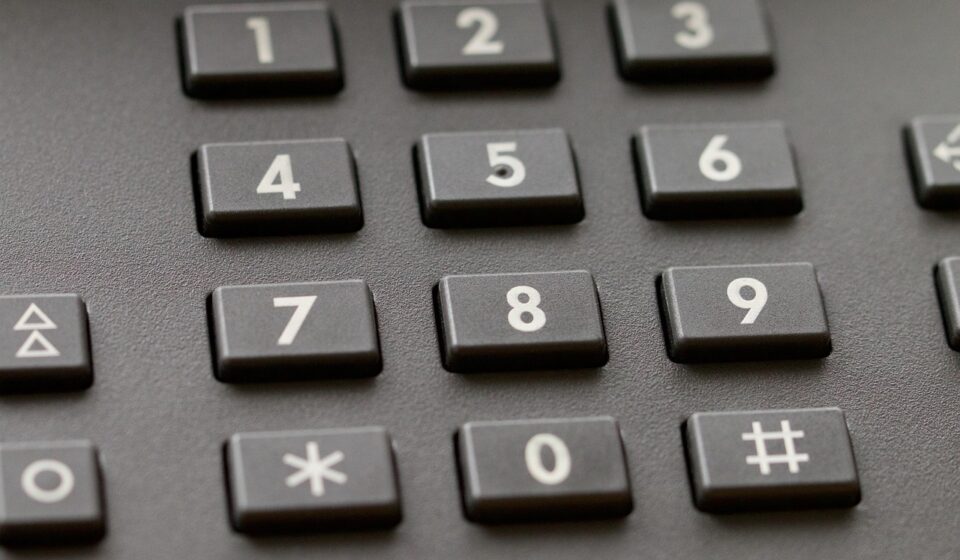
What a Yale keypad lockset usually means
A Yale keypad lockset is a door-entry product that replaces, or reduces reliance on, a traditional key-only lock by adding PIN-code access. In the Yale Home lineup, the term can point to several different products: the non-connected Yale Code keypad deadbolt, an Assure keypad or touchscreen smart deadbolt, or an Assure Lever for doors that do not use a separate deadbolt. The right choice depends less on the keypad design and more on door preparation, code capacity, backup entry, weather exposure and whether the lock needs to connect to Wi-Fi, Z-Wave, Matter or a wider smart home platform.
For buyers comparing smart hardware architecture, the main distinction is straightforward: some Yale keypad products are local electronic locks, while others are modular smart locks. That difference affects installation, battery life, maintenance, privacy and long-term compatibility.
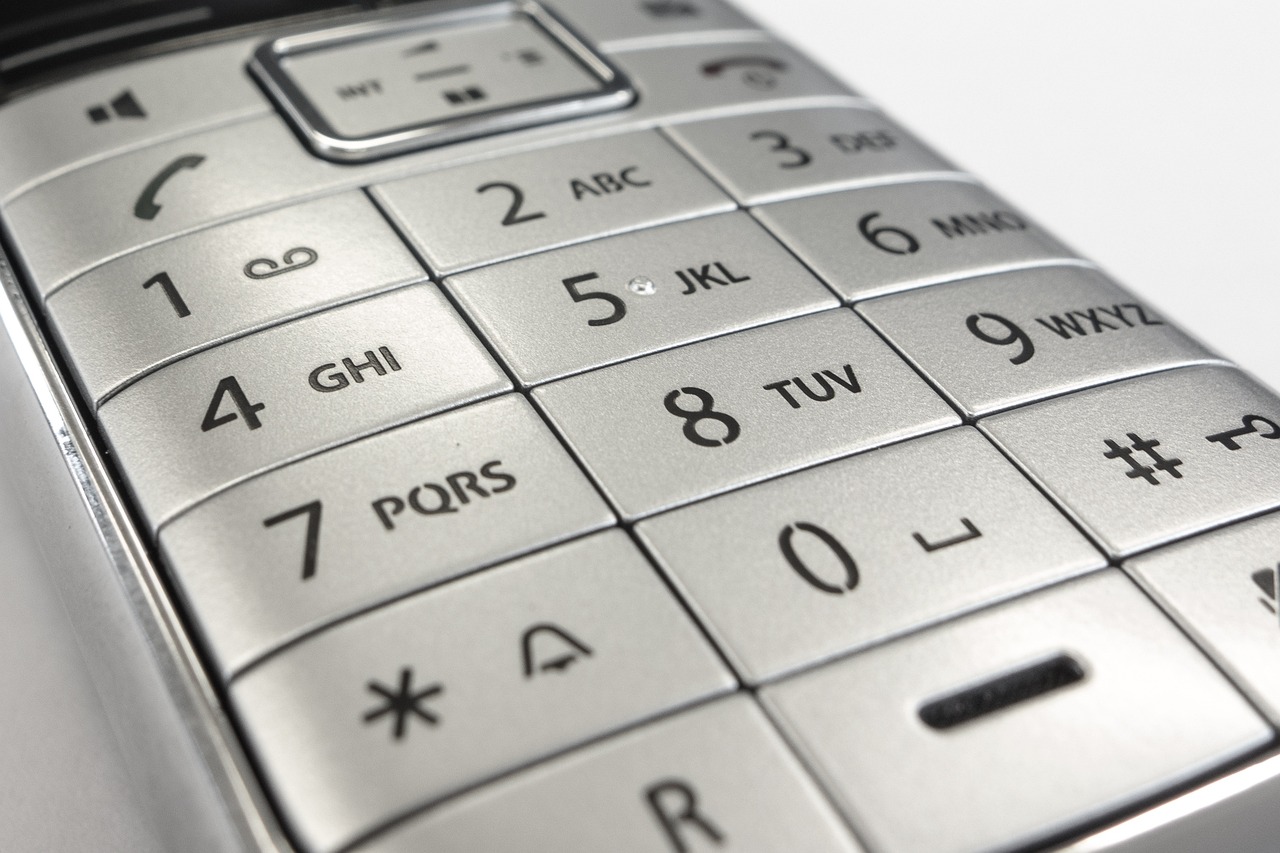
Yale keypad lockset options compared
The category can be confusing because retailers often use keypad lock, keypad deadbolt, smart lock and lockset as overlapping terms. In hardware terminology, a lockset may include the latch, deadbolt, lever or trim that makes the door operate. In consumer search, however, Yale keypad lockset often means any Yale residential lock with a numeric keypad.
The table below summarizes the practical differences using Yale Home support documentation, Yale product materials and published residential hardware standards as reference points.
| Yale option | Typical use | Connectivity | Code management | Main design trade-off |
|---|---|---|---|---|
| Yale Code keypad deadbolt | Basic key-free or key-reduced entry for exterior residential doors | Non-connected | Local keypad programming, up to 20 entry codes according to Yale support | Simple and lower-complexity, but not upgradeable to smart home control |
| Yale Assure Lock keypad or touchscreen deadbolt | Front, side or garage-entry doors where remote access may be useful | Depends on model and module, such as Bluetooth, Wi-Fi or Z-Wave | Code limits vary by generation, app and module; Yale support commonly distinguishes local limits from expanded connected limits | More flexible, but setup and battery behavior depend on the connected architecture |
| Yale Assure Lever keypad | Doors without a separate deadbolt, such as interior-to-garage, office or utility doors | Depends on version and upgrade kit | PIN-code access with optional connected features on supported models | Useful where a lever is required, but not the same mechanical security profile as a deadbolt |
| Yale Matter or ecosystem-specific models | Homes built around Apple Home, Google Home, Amazon Alexa, Samsung SmartThings or Matter | Model-specific; Matter support may require the correct lock, module and border router | Managed through supported ecosystems and Yale apps where applicable | Better interoperability when matched correctly, but SKU verification is essential |
Yale announced the Yale Code keypad lock on September 10, 2024 as a simpler electronic option. Its support pages describe it as non-connected, with code changes, Auto-Lock and sound settings handled directly at the lock. Assure-series models, by contrast, are built around a broader smart-lock architecture, especially when paired with supported modules or the Yale Access app.
Door fit and mechanical architecture matter more than the keypad
Most failed keypad-lock projects start with the door, not the electronics. Before comparing finishes, apps or wireless protocols, confirm that the door and frame match the selected lock family.
Yale support documentation for the Yale Code YED210 lists compatibility with residential doors from 1-3/8 in. to 1-3/4 in. thick, with longer screws required for doors up to 2 in. It also lists 2-1/8 in. or 1-1/2 in. bore holes and 2-3/8 in. or 2-3/4 in. backsets. Yale Assure keypad deadbolt documentation commonly requires standard North American deadbolt preparation, including a 2-1/8 in. cross bore, a 1 in. edge bore and either a 2-3/8 in. or 2-3/4 in. backset, although the acceptable thickness range varies by model generation.
Those dimensions are not minor details. A motorized deadbolt must extend and retract without rubbing the strike plate. If the door sags, the frame shifts seasonally or the strike pocket is too shallow, the motor has to work harder. That can lead to incomplete locking, faster battery drain, keypad error signals or intermittent smart-home status problems. A high-quality keypad cannot compensate for a misaligned door.
For a deeper look at how electromechanical components interact in connected devices, see the device architecture section on Yingguoguo.
Access codes, connectivity and smart modules
The key functional question is whether the lock should remain local or become part of a connected access system.
A local keypad lock stores and validates codes at the lock. Yale Code is the clearest example. Yale support states that it does not require an app, stores up to 20 entry codes and accepts 4 to 8 digit codes. It can also auto-lock after the deadbolt has been retracted for 30 seconds. This architecture is practical for straightforward family access, a back door, a workshop or a property where the owner does not want cloud features.
A connected Yale keypad lock adds a communication layer. The Assure Lock 2 with Wi-Fi, for example, uses a Wi-Fi Smart Module, while other Assure configurations may use Bluetooth, Z-Wave or ecosystem-specific modules. Yale support also notes that a Yale Connect Wi-Fi Bridge can give compatible Bluetooth-only locks remote features when the bridge is placed near the lock. The benefit is remote locking, guest access management, status checks and integration with voice assistants or automations. The trade-off is that radios consume energy and add dependency on hubs, routers, apps and account setup.
Code capacity is another architectural difference. Yale support materials for Assure locks distinguish between local code limits and expanded limits with compatible radio modules or Yale Access configurations. Because model families and modules differ, buyers should verify the exact SKU rather than assume that every Yale keypad lock supports the same number of users, schedules or temporary codes.
Matter support needs particular attention. Public Matter specifications include door locks as a supported device class, and Yale support describes its Matter module as Matter over Thread requiring a compatible Thread border router. However, Yale support pages viewed in September 2026 still describe Matter support for some Assure Lock 2 module contexts as coming soon, while separate Yale Matter locks are available in specific ecosystems. The safest approach is to check the exact model number, module name and target platform before purchase. See also: embedded platforms.
Security ratings, weather limits and real-world risks
Security claims should be read in the context of standards, installation quality and the likely threat model. ANSI and BHMA publish residential hardware standards such as A156.39 for residential locksets and latches and A156.40 for residential deadbolts. The 2025 ANSI listing for A156.40 describes requirements for durability, security and finish testing, while also noting that laboratory conditions do not fully represent every real installation. That caveat matters for keypad locks because the door slab, frame reinforcement, strike screws and alignment all affect real-world performance.
Yale support identifies the Yale Code keypad deadbolt as engineered to meet ANSI/BHMA Grade 3 and IPX5 certification for added outdoor keypad protection. Yale Assure materials often reference Grade 2 performance for Assure deadbolts. Grade numbers are useful comparison points, but they do not mean the lock is invulnerable. Yale’s own keypad-lock support materials state the sensible reality that no lock or deadbolt can claim complete protection against every attack, especially if an attacker has time, tools and knowledge.
Weather exposure is another practical risk. Outdoor-facing keypads are designed to tolerate normal exterior conditions, but the interior electronics of many residential smart locks are not intended for gates or other installations where the inside assembly is exposed to weather all day. Yale Assure Lever support, for example, lists exterior temperature resistance but also warns that the lock is not built for gate applications where the interior side is exposed outdoors. For coastal, rental or unconditioned installations, that limitation can be more important than app features.
Battery behavior also differs by architecture. A non-connected keypad lock avoids constant Wi-Fi or hub communication, while a connected lock must balance responsiveness with power draw. Yale support describes visual and audible low-battery warnings for keypad locks. For several key-free Yale models, support materials also describe temporary 9V battery power at exterior terminals if batteries are fully drained. A keyed version provides a different fallback: a physical keyway. Neither approach is universally better; the best backup depends on whether the property has another entrance and who manages access.
Practical selection and installation checklist
Choose the lock by use case first, then by finish and ecosystem. A simple household door may only need local codes and Auto-Lock. A rental, caregiver-access door or frequently shared entry may need remote code scheduling and activity history. A smart-home installation may justify Z-Wave or Matter, but only if the existing hub and border-router architecture are already reliable.
- Pick Yale Code if simplicity is the priority. It is local, non-connected and does not require app setup. Its 20-code limit is enough for many households but restrictive for larger shared-access environments.
- Pick an Assure keypad deadbolt if remote access matters. It is the better fit for app control, notifications and platform integration, provided the model and module match the target ecosystem.
- Pick an Assure Lever only when the door architecture calls for a lever. It can solve access-control needs on doors without a deadbolt, but it should not be treated as identical to a front-door deadbolt.
- Choose keyed or key-free deliberately. Key-free looks cleaner and removes lock-picking risk at the cylinder, but Yale manuals advise that key-free locks should be used where the home has more than one point of entry.
- Verify the backset, bore and door thickness before ordering. Do not assume an older door has standard modern preparation.
- Test mechanical movement before programming. The deadbolt should move smoothly by hand before batteries, apps or automations are introduced.
- Plan battery maintenance. Use the battery type recommended by Yale for the specific model and treat low-battery warnings as service events, not background alerts.
From an engineering perspective, the most resilient setup is usually the least complex one that meets the access need. If no one requires remote unlock, a local keypad lock can be more predictable. If remote management is necessary, a connected Assure model may be worth the added setup, but only when the network, hub and user-code workflow are maintained as part of the system.
Frequently asked questions
Is a Yale keypad lockset the same as a Yale smart lock?
No. Some Yale keypad locks are smart locks, but not all of them. Yale Code is a keypad electronic deadbolt with local programming and no smart-home upgrade path. Assure-series keypad locks may support smart features depending on the model and installed module.
Can a Yale keypad lockset fit any residential door?
No. Most Yale residential keypad deadbolts are designed around standard door preparations, but the exact requirements vary. Check door thickness, bore diameter, edge bore, strike pocket and backset before purchase. Door alignment should also be corrected before installing a motorized deadbolt.
How many entry codes can a Yale keypad lock store?
It depends on the product. Yale support lists up to 20 entry codes for Yale Code. Assure locks may support more codes when paired with compatible modules or app-based systems, but the exact limit depends on the model, generation and connectivity option.
Does a Yale keypad lockset need Wi-Fi?
No. A local keypad lock can operate without Wi-Fi. Wi-Fi is useful when you need remote locking, remote code management, alerts or voice-assistant integration. It also adds dependency on batteries, router stability and app or account configuration.
What should be checked first if a Yale keypad lock drains batteries quickly?
Start with the mechanical fit. A deadbolt that rubs the strike plate or frame can force the motor to work harder. After alignment, check battery type, wireless module behavior, signal strength and whether frequent automations are causing repeated lock activity.