Hands on mobile and embedded development with Qt 5 for connected device teams

Why the Qt 5 mobile and embedded topic still has search value
People searching for hands on mobile and embedded development with Qt 5 are usually looking for more than a book title. They may be assessing whether Qt 5 is still relevant for mobile apps, embedded Linux devices, IoT interfaces, or legacy product maintenance. The short answer is yes, but with limits: Qt 5 remains useful for understanding and maintaining deployed systems, but it should not be treated as the default foundation for a new long-life product in 2026.
Packt published Hands-On Mobile and Embedded Development with Qt 5 by Lorn Potter in April 2019. The subject still matters because many embedded devices remain in the field for years, while Qt 5.15 became the final Qt 5 feature release and moved beyond standard support after May 26, 2025. That makes the practical question more specific: learn Qt 5 where existing products require it, but plan new programs around current Qt support, security maintenance, and migration. For related device software coverage, see our embedded platforms section.
What the Packt title actually covers
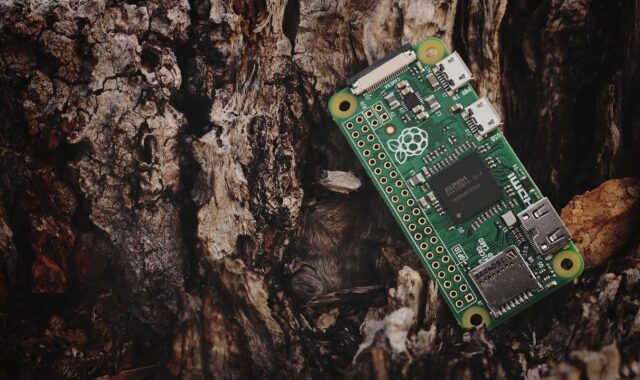
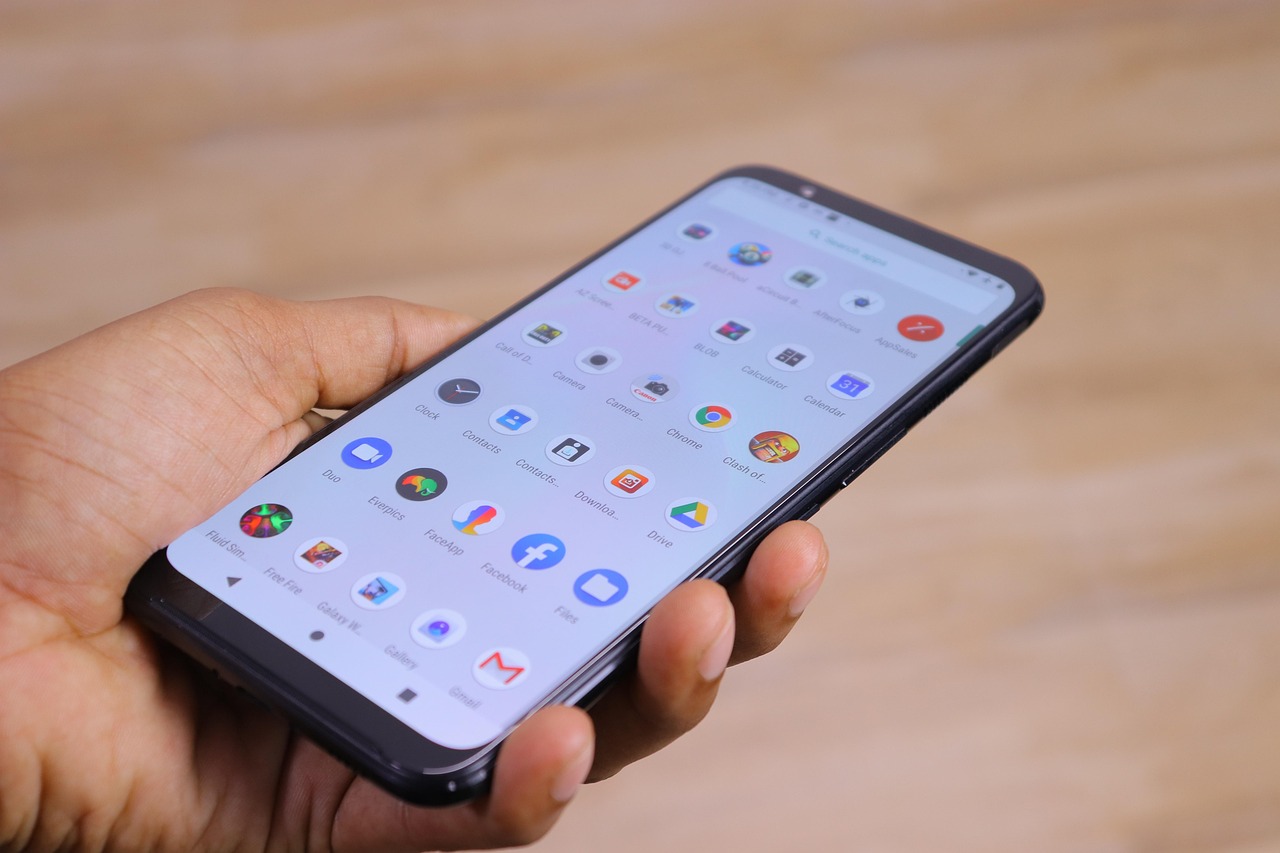
The book is aimed at mobile developers, embedded engineers, and enthusiasts who already know C++. Its public product details describe a practical path for building applications for Android, iOS, Raspberry Pi, embedded Linux, and connected devices with C++ and Qt. The scope is broader than user interface code. It also covers deployment, connectivity, sensors, and embedded Linux tooling.
| Area | What it means for a device team | Current usefulness |
|---|---|---|
| Qt Widgets | Traditional desktop-style UI components that can still be used in tools, diagnostics, and some embedded interfaces. | Useful for legacy code and internal applications, but less suitable for highly animated touch screens. |
| Qt Quick and QML | A declarative UI approach for fluid layouts, animation, touch interaction, and separation between UI and C++ back-end logic. | Still important because QML concepts continue into Qt 6, although graphics behavior must be retested when porting. |
| Mobile deployment | Building and deploying to Android and iOS through platform-specific kits and SDK requirements. | Conceptually useful, but exact mobile toolchain steps age quickly as Apple and Google update requirements. |
| Embedded Linux | Building for target hardware, handling display constraints, and using Yocto or Boot to Qt-style workflows. | Highly relevant for understanding device pipelines, cross-compilation, and board-specific integration. |
| Connectivity and sensors | Using modules such as Qt Sensors, Qt MQTT, and Qt WebSockets to connect physical devices, cloud services, or machine-to-machine systems. | Relevant for IoT architecture, but module availability and licensing should be checked for the chosen Qt version. |
The Qt 5.15 support reality in 2026
The most important update for readers is support status. Qt 5.15 was released on May 26, 2020, and Qt Group described it as the last feature release of the Qt 5 series. It was designed as a stable bridge toward Qt 6, not as an indefinitely current development line. Qt Group later stated that standard support for Qt 5.15 would end after May 26, 2025, with maintenance afterward available through commercial services such as Extended Security Maintenance, Extended Support, and professional services.
This matters in embedded products because field lifetimes are long and updates can be expensive. A kiosk, medical-adjacent interface, industrial controller, infotainment screen, or smart home hub may remain deployed long after the original SDK is no longer mainstream. If the product uses Qt 5.15, the engineering question is not only whether the code still runs. It is how the organization will handle security fixes, third-party dependencies, platform updates, and toolchain reproducibility.
For new software development, Qt Group has publicly recommended moving to Qt 6. Qt 6.8 LTS, released in October 2024, was presented with support and maintenance planned through October 2029. That does not make every Qt 5 product obsolete overnight, but it does change the default risk calculation for new embedded roadmaps.
Architecture decisions that still transfer from Qt 5
Choose the UI layer according to the device, not the demo
Qt 5 offers several UI approaches, and the right choice depends on the product. Qt Widgets can be practical for engineering tools, configuration utilities, and existing codebases. Qt Quick and QML are usually a better fit for touch-first embedded screens, animated dashboards, responsive layouts, and mobile-style interfaces. The Packt book gives attention to both, which is valuable because many real products contain a mix of older UI assumptions and newer interaction requirements.
A useful rule is to decide around interaction style and update frequency. If designers will iterate screens often, QML can make the visual structure easier to adjust. If the system is a diagnostic panel with standard controls and minimal animation, Widgets may still be sufficient. In either case, device teams should keep business logic in C++ or service layers rather than burying it in UI files.
Understand the embedded Linux display stack early
Embedded Linux is where Qt development becomes hardware-specific. Qt documentation describes platform plugins such as EGLFS, LinuxFB, and Wayland for systems that may not run a traditional desktop windowing environment. EGLFS is commonly used for GPU-accelerated full-screen applications on embedded devices, while LinuxFB is software-rendered and can be limited for graphics-heavy interfaces. Wayland becomes relevant where a compositor and multi-window architecture are required.
The key point is that Qt is only one layer of the graphics stack. Kernel drivers, GPU userspace libraries, display timing, input devices, and board support packages all influence whether an application performs correctly. A prototype that runs on a desktop does not prove that it will render smoothly on a target board.
Plan connectivity as part of the product architecture
Mobile and embedded development is rarely only about screens. Sensors, local networks, device-to-cloud communication, and machine-to-machine messaging often define the system. The Packt listing highlights Qt Sensors, Qt MQTT, and Qt WebSockets, which reflects a common embedded pattern: the UI acts as a control surface for a connected physical system.
Teams should map data flow before building a full UI. Identify which signals come from hardware, which messages cross the network, what must continue offline, and what happens when connectivity fails. This helps avoid a polished interface sitting on top of fragile service boundaries.
A practical workflow for Qt 5 device projects
A hands-on Qt workflow should begin with the target, not the laptop. The build that matters is the one that runs on the device under realistic thermal, memory, storage, and input conditions. A practical sequence looks like this: See also: device architecture.
- Define the target profile. Record CPU architecture, GPU, RAM, display resolution, touch controller, operating system image, and expected update mechanism.
- Select the Qt baseline. For existing products, identify the exact Qt 5 version. For new work, evaluate Qt 6 first and use Qt 5 only when there is a clear dependency.
- Create the smallest vertical slice. Build one screen, one hardware or simulated data source, one deployment script, and one logging path.
- Configure kits and toolchains. Use Qt Creator kits or a reproducible command-line build so desktop, mobile, and target builds are not confused.
- Test on the real display path. Verify EGLFS, LinuxFB, Wayland, or another platform setup before assuming UI performance.
- Measure startup and responsiveness. Embedded users notice boot time, first interaction delay, frame drops, and input latency more than architectural elegance.
- Document licensing and update obligations. Open source and commercial Qt usage have different responsibilities, and embedded distribution can add compliance requirements.
When Qt 5 still makes sense and when it does not
Qt 5 can remain the right short-term choice for an existing product line, especially where hardware, certification, or supplier software has not moved. It is weaker as a long-term starting point for a fresh design unless there is a business reason that outweighs support and migration costs.
| Scenario | Practical direction | Reason |
|---|---|---|
| Maintaining a deployed Qt 5 device | Stay on the known version while planning security and support coverage. | Changing framework versions can create regression risk on certified or fielded hardware. |
| Porting an older Qt 5 app | Move first to Qt 5.15 where possible, then prepare for Qt 6. | Qt documentation says the latest Qt 5 version has the fewest changes when porting to Qt 6. |
| Starting a new embedded Linux UI | Evaluate Qt 6 before selecting Qt 5. | Qt 6 is the active major line and has current long-term support options. |
| Training developers on legacy code | Use Qt 5 examples, but explain what changes in Qt 6. | Core C++, signals and slots, QML concepts, and deployment thinking still transfer. |
| Building a regulated or security-sensitive device | Require a documented maintenance plan before committing to Qt 5. | End-of-support software can create patch access and audit challenges. |
Limits readers should understand before relying on older material
The main limitation of any 2019 Qt 5 learning resource is not that the concepts disappeared. It is that the surrounding platforms have changed. Android SDK levels, iOS signing, Xcode behavior, Linux graphics stacks, Yocto releases, compiler versions, and package availability can all differ from the environment used by a book or tutorial. Treat older steps as architecture guidance, then verify commands against the toolchain you actually ship.
Another limitation is security and compliance. Embedded software often includes open source components, third-party libraries, and device-specific vendor layers. A working Qt application is only one part of a product update strategy. Teams need a bill of materials, a way to deliver patches, and a decision about commercial support if they remain on Qt 5.15 after standard support.
The strongest use of Hands-On Mobile and Embedded Development with Qt 5 today is as a structured introduction to cross-platform thinking: how UI, hardware, sensors, networking, and deployment connect. Its weaker use is as a current step-by-step authority for every modern mobile or embedded build environment.
Frequently asked questions
Is Qt 5 still usable for embedded development?
Yes. Qt 5 is still usable in many existing embedded products, especially when the hardware and operating system image are stable. The concern is not immediate technical failure but long-term maintenance, patch access, and compatibility with newer operating systems and toolchains.
Is the Packt book still worth reading?
It can be useful if your goal is to understand Qt 5 concepts across mobile and embedded systems. Read it with current Qt documentation nearby, especially for installation, mobile deployment, Yocto integration, and support status.
Should a new project start with Qt 5 or Qt 6?
Most new projects should evaluate Qt 6 first. Qt 5 may be justified when a supplier SDK, legacy codebase, or hardware platform requires it, but that choice should include a support and migration plan.
What should teams test first on embedded Linux?
Test the display stack, input handling, startup time, and deployment process on real hardware as early as possible. Desktop success does not prove that EGLFS, LinuxFB, Wayland, GPU drivers, or touch input will behave correctly on the target board.
Can Qt 5 knowledge transfer to Qt 6?
Much of it can. C++, signals and slots, model-view thinking, QML structure, and cross-platform deployment concepts remain valuable. The areas that need careful review include deprecated APIs, changed modules, build system expectations, and graphics behavior.