Keyless door knob guide for secure installation and troubleshooting
What this guide helps you decide
A keyless door knob replaces a traditional keyed knob with a keypad, fingerprint reader, app credential, card, fob or a combination of these methods. It can reduce lost-key issues and make temporary access easier, but it should not be treated as a complete security system on its own. The real question is whether the device fits the door, operates the latch reliably, protects credentials, withstands the environment and gives users a workable fallback when batteries, sensors or networks fail.
For installers, property managers and smart hardware buyers, the most useful approach is diagnostic rather than promotional. Before specifying a keyless door knob, check the door condition, lock grade claims, power design, credential policy, firmware support and ecosystem compatibility. The sections below organize those checks into a practical field framework.
What a keyless door knob actually controls
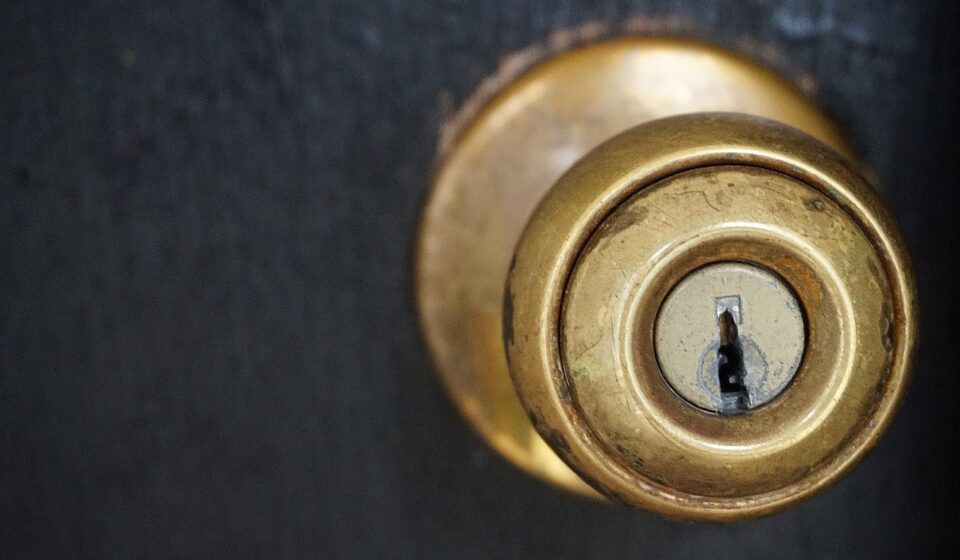
Much of the confusion starts with the word knob. A knob lock usually controls a spring latch, not a deadbolt. The latch keeps the door closed during normal use. A deadbolt generally provides stronger resistance against forced entry when it is properly installed with an aligned strike and reinforced frame. For an exterior entry door, a keyless knob may be convenient, but many installations still pair it with a separate deadbolt for primary security.
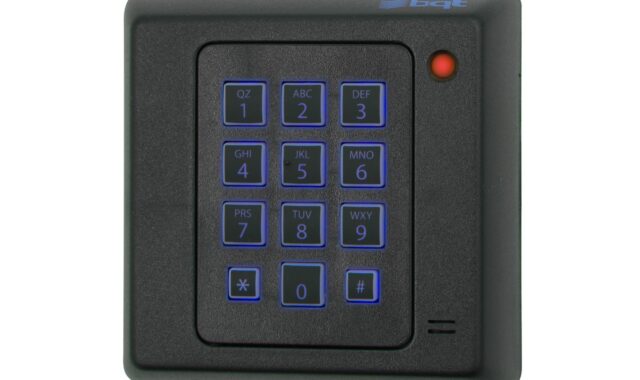
Keyless designs fall into three broad groups. A standalone keypad knob stores PIN codes locally and may operate without Wi-Fi. A connected knob adds Bluetooth, Wi-Fi, Zigbee, Thread or a bridge for remote control and event records. A commercial or multifamily product may connect to an access control platform, use cards or mobile credentials, and require administrator workflows for enrollment and revocation.
The diagnostic implication is simple: do not treat every failure as an electronic fault. A keypad may accept a valid PIN while the latch is binding against the strike. A fingerprint reader may authenticate the user correctly while the motor lacks enough torque because the door is warped. A mobile app may show a lock command while the local actuator never completes its cycle. Separate the credential layer, electronics layer and mechanical layer before replacing parts.
Standards and trust signals worth checking
Public standards do not make every product equal, but they give buyers and technicians a better vocabulary for comparison. ANSI/BHMA A156.39-2025 covers residential locksets and latches, including durability, security and finish requirements under laboratory test conditions. ANSI/BHMA A156.40 applies to residential deadbolts, while ANSI/BHMA A156.25-2023 addresses electrified locking devices, including operational, strength, cycle, security and environmental considerations. When a product claims certification, verify the exact model and standard rather than assuming that a brand-wide statement covers the device in hand.
For connected products, cybersecurity guidance matters as much as mechanical grading. NIST IR 8259 Rev. 1, published in April 2026, emphasizes that IoT manufacturers should provide cybersecurity functionality and supporting information that help customers secure devices before and after sale. FTC consumer guidance for internet-connected devices recommends changing default credentials, using available security features and checking for firmware updates. These points apply directly to a connected keyless door knob because the device controls physical access.
The U.S. Cyber Trust Mark is another signal to watch for on wireless consumer IoT products. The FCC announced administrator application activity for the voluntary labeling program in September 2024, and the label is intended to help consumers identify products that meet defined cybersecurity criteria. It should be read as a cybersecurity label, not as a forced-entry rating or a guarantee that the door assembly is strong.
Interoperability is also changing. The Connectivity Standards Alliance introduced Matter 1.0 in 2022 with support for door locks as a device category, and later Matter releases continued to refine smart home interoperability. On February 26, 2026, the Alliance announced Aliro 1.0, a mobile access credential and communication standard intended to improve interoperability between phones, wearables, electronic locks and readers. For buyers, the key point is that Matter and Aliro address communication and credential consistency; they do not replace careful installation, access policy or mechanical testing.
Pre-installation checks that prevent most failures
A keyless door knob should be selected after the door is inspected, not before. Start with door thickness, bore diameter, cross-bore position, backset, latch faceplate style and handing. A small mismatch can lead to incomplete latch travel, poor spindle engagement or a keypad sitting at an angle. If the lock is installed on a metal door, glass-adjacent stile or older wood door with previous modifications, confirm that the mounting screws can tighten without distorting the chassis.
Next, check the frame. The latch should enter the strike without the user needing to lift, pull or push the door. Seasonal swelling, loose hinges and sagging frames create resistance that an electronic actuator may not overcome. If a user reports that the lock works with the door open but fails when the door is closed, alignment is the first area to check, not software.
Weather exposure is another common blind spot. A product described as suitable for exterior use still has to match the actual site conditions: direct rain, coastal air, freezing temperatures, high sun exposure or dust. Electronic keypads and fingerprint sensors are more sensitive to contamination than plain mechanical knobs. If the door is on an unprotected exterior opening, confirm the manufacturer’s temperature range, ingress protection claim and battery chemistry recommendations.
Life safety and code context also matter. On rental, multifamily, healthcare, education or commercial doors, egress requirements, fire door listings and accessibility rules may limit what hardware can be used. A convenience retrofit that blocks required free egress or changes a fire-rated assembly can create a safety problem even if the device operates as advertised.
Common failure modes and field diagnostic tests
Good diagnostics reduce unnecessary returns. Work from the visible mechanical condition toward the less visible firmware and network layers. The table below summarizes practical checks.
| Symptom | Likely area | Field check | Corrective action |
|---|---|---|---|
| Works when open, fails when closed | Door alignment | Operate the latch with the door open, then close slowly and watch strike contact | Adjust hinges, strike position or weatherstrip pressure before replacing electronics |
| Motor sounds weak or stops mid-cycle | Battery or load | Install fresh recommended batteries and test with the latch unloaded | Replace batteries, reduce latch binding and inspect for corrosion |
| PIN accepted but door stays locked | Actuator or clutch | Listen for clutch engagement and test interior operation | Re-seat spindle, check handing setup and inspect actuator linkage |
| Fingerprint works inconsistently | Sensor and enrollment | Clean sensor, test multiple fingers and compare dry versus wet conditions | Re-enroll users, add PIN fallback and check environmental limits |
| Remote unlock is delayed or unavailable | Network path | Compare local keypad operation with app operation near the door | Check bridge location, Wi-Fi signal, router settings and cloud service status |
| Codes remain active after user leaves | Access policy | Review user list, schedules and audit events | Remove unused credentials and document the revocation procedure |
When documenting a service visit, record the product model, firmware version if available, battery type and voltage, door material, strike condition, network topology and exact symptom. For more structured hardware troubleshooting topics, visit the field diagnostics section.
Credential and network security checklist
The weakest part of a keyless installation is often not the knob. It is the access policy. Shared PINs, unchanged default admin accounts and abandoned app users can outlast the original installation. A practical deployment should include named users, role-based permissions where supported, time-limited guest codes, a documented revocation process and a routine review schedule. See also: device architecture.
For residential use, avoid simple PINs based on addresses, birthdays or repeated digits. If the product supports temporary codes, use them for cleaners, contractors or short-term visitors instead of sharing a permanent household code. If the product supports lockout after repeated failed attempts, enable it in a way that balances security with emergency usability.
For connected locks, place the device on a well-managed home or building network. Change router default credentials, keep router firmware updated and avoid exposing device administration interfaces to the open internet. If the lock relies on a bridge, hub or mobile app, remember that the system’s security also includes that bridge, the user’s phone account and the cloud service policy. Multifactor authentication for the administrator account is a sensible baseline where available.
Firmware support should be part of purchasing, not an afterthought. Ask whether updates are automatic or manual, how long the manufacturer expects to provide security updates, what happens if the cloud service is discontinued, and whether local unlocking continues when the internet connection is down. A lower-cost device with unclear update support may carry a higher long-term operating risk than a more expensive product with transparent lifecycle information.
When a keyless door knob is a good fit
A keyless door knob is often a good fit for interior offices, utility rooms, storage rooms, staff areas, garage-to-house convenience doors and residential entries where it is paired with a suitable deadbolt. It is especially useful when many users need access but issuing and retrieving keys would be inefficient.
It may be a weaker fit for exposed exterior doors with poor alignment, high-risk entries that depend on the knob as the only locking point, doors that require certified fire or egress hardware, and locations where administrators cannot maintain user credentials. It is also a poor fit when buyers want remote control but have unreliable Wi-Fi, no plan for account security and no fallback procedure.
One practical rule is to match the lock to the consequence of failure. If failure causes mild inconvenience, a simple keypad knob may be acceptable. If failure blocks emergency egress, exposes valuable assets or affects multiple tenants, the specification should involve code review, certified hardware, stronger access control processes and documented maintenance.
Buying and maintenance checklist
- Confirm door thickness, bore size, backset, latch style and handing before purchase.
- Verify the exact model’s ANSI/BHMA or other relevant certification claims, not only the brand name.
- For connected products, check firmware update policy, offline behavior and administrator account protection.
- Choose a model with a practical emergency method, such as mechanical override, exterior battery contacts or another documented fallback.
- Test operation with the door open and closed before handing the system to users.
- Create named credentials instead of shared permanent codes wherever possible.
- Schedule battery replacement and credential review before failures begin.
- Keep a record of model numbers, setup codes, firmware versions and administrator ownership changes.
The bottom line is that a keyless door knob should be evaluated as a combined mechanical, electronic and credential system. Convenience comes from the keyless interface, but reliability comes from door alignment, power design, user management, firmware maintenance and realistic expectations about what a knob latch can and cannot secure.
Frequently asked questions
Is a keyless door knob as secure as a deadbolt?
Usually not in the same way. A knob lock commonly controls a spring latch, while a deadbolt is designed as a stronger locking point when installed correctly. For exterior entry doors, a keyless knob is often best treated as convenience hardware and paired with a suitable deadbolt.
Does a keyless door knob need Wi-Fi?
No. Many keypad models work locally without Wi-Fi. Wi-Fi or a hub is needed only for features such as remote unlocking, notifications, app management, audit events or integration with broader smart home systems.
What happens when the batteries die?
That depends on the model. Some products provide a mechanical key override, some use external battery contacts for temporary power, and some rely on advance low-battery warnings. The fallback method should be verified before installation, not discovered during a lockout.
Do Matter or Aliro make a lock automatically secure?
No. Matter and Aliro are interoperability and credential-related standards. They can improve ecosystem consistency when implemented correctly, but they do not replace mechanical strength, safe installation, firmware maintenance or good credential management.
Why does the lock fail only in cold or wet weather?
Temperature, moisture, battery chemistry and door movement can all affect operation. Cold batteries may deliver less power, seals can add friction, and wood or metal doors can shift enough to bind the latch. Test the latch mechanically before assuming the electronics have failed.