NXP embedded Linux guide for Yocto and Debian on i.MX platforms

What NXP embedded Linux means for i.MX development
NXP embedded Linux is not a single downloadable operating system in the way a desktop Linux distribution is. For most i.MX projects, it means an NXP-validated Linux board support package, Yocto Project layers, bootloader and kernel integration, firmware, middleware, and board-specific configuration that help a processor module or evaluation board boot into a usable Linux image.
In 2026, the practical decision is usually between a Yocto-based BSP for controlled production images and NXP’s Debian Linux SDK for faster application prototyping and package access. The right choice depends less on the board brand and more on release alignment, peripheral support, update policy, security requirements, and the level of customization needed in the final product.
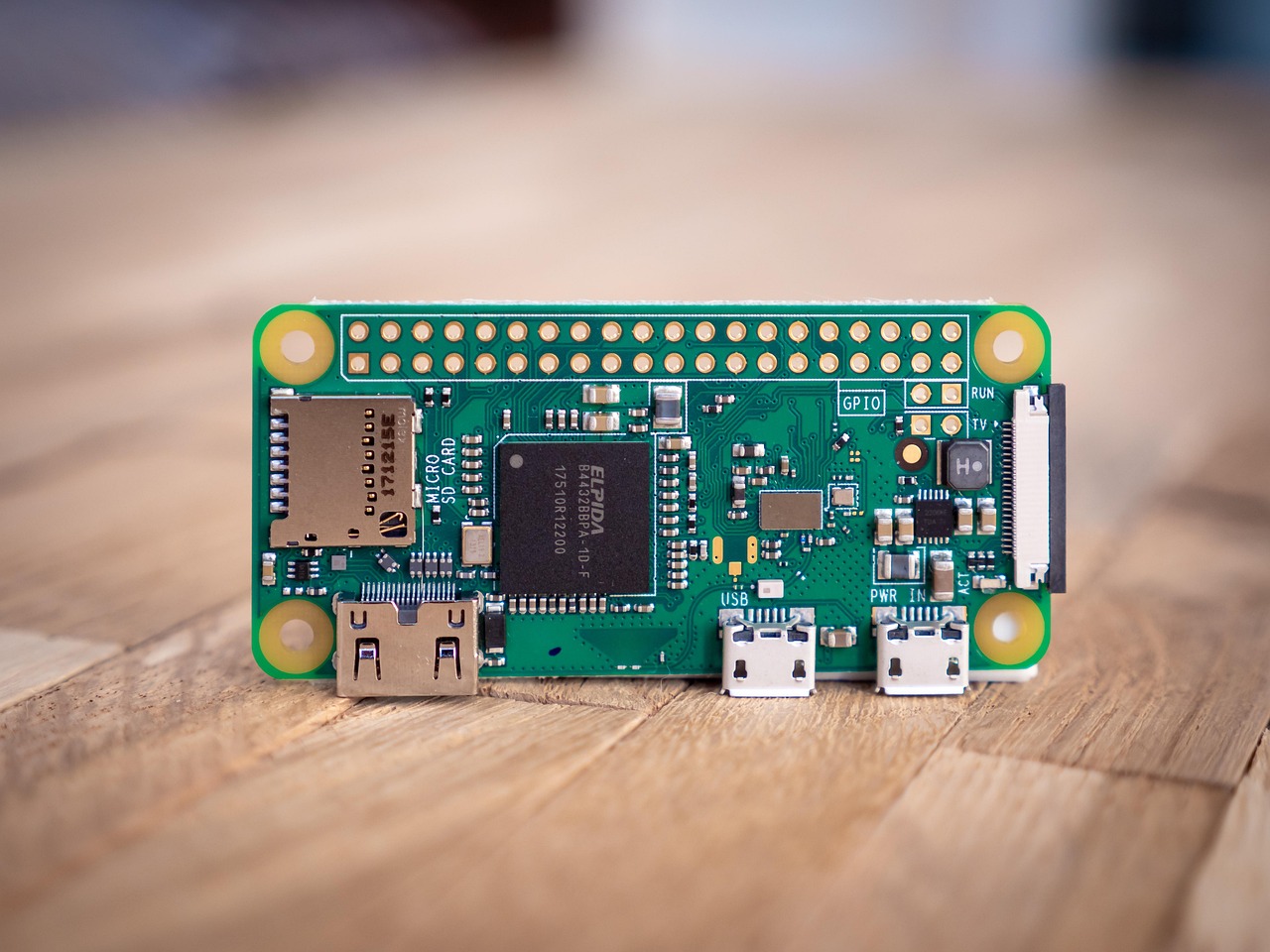
For readers comparing embedded operating system options across silicon platforms, this article fits within the broader embedded platforms discussion: the operating system decision is now as important as CPU, NPU, display, connectivity, and power features.
The current software picture is Yocto first, with Debian becoming more visible
NXP’s official i.MX Linux documentation continues to place Yocto at the center of production-oriented Linux development. The i.MX Yocto Project User’s Guide describes the NXP i.MX Yocto Project BSP as an official collection of layers that provide BSP content, middleware, firmware, and feature-specific extensions for i.MX processors from i.MX 6 through i.MX 9. For industrial products, that is important because teams often need a repeatable image recipe, controlled package selection, board-specific kernel configuration, and a credible path to rebuild the system years after launch.
By 2026, Debian is no longer only an unofficial convenience route for developers. NXP’s Debian Linux SDK for i.MX and Layerscape is presented as a way to combine NXP-provided low-level software with a Debian root file system. NXP also describes Debian as attractive because of its large package ecosystem, stability, and long-term security maintenance model. In practice, this gives engineering teams two different workflows rather than one universal answer.
| Workflow | Best fit | Main advantage | Main caution |
|---|---|---|---|
| Yocto-based NXP BSP | Production devices, controlled images, regulated or long-life products | Fine control over image contents, layers, boot chain, kernel, and board configuration | Requires build-system expertise, storage for builds, and disciplined layer maintenance |
| NXP Debian Linux SDK | Application prototyping, evaluation, internal tools, gateway-class systems | Fast access to a broad package repository and familiar Debian workflows | Needs extra review before production use where image minimization, licensing, and update policy are strict |
What the NXP i.MX BSP actually adds
The value of an NXP embedded Linux BSP is not just that it boots Linux. Its value is that it keeps several moving parts aligned. NXP’s meta-imx layer stack, as described in official user guides and the public meta-imx repository, includes board support, kernel and U-Boot updates, firmware, multimedia, GPU and VPU support, security components, SDK generation, machine learning support, and selected feature layers for markets such as cockpit or vehicle-to-everything development.
That integration layer matters because modern i.MX application processors are not simple CPU-only devices. Display pipelines, camera inputs, audio paths, video codecs, secure boot, neural processing blocks, wireless modules, and power states may all depend on matching kernel patches, firmware versions, device tree settings, bootloader configuration, and user-space libraries. A generic Arm Linux distribution may boot on a board, but it may not exercise the full silicon feature set without additional integration work.
The practical takeaway is to treat the BSP as a starting baseline, not as a finished product. A product team still needs to add its own application layer, hardware configuration, security policy, update mechanism, manufacturing test tools, and recovery process. The earlier those additions are separated into project-owned layers or packages, the easier it is to move from one NXP release to the next.
Release timing needs a three-level check
One common mistake in NXP embedded Linux planning is assuming that every i.MX board follows the same release status at the same time. Public NXP materials show why that assumption is risky. NXP’s i.MX Linux User’s Guide revision LF6.18.20_2.0.0 is dated June 25, 2026 and shows a Yocto setup using the Wrynose branch and an imx-6.18.20-2.0.0 manifest. The public meta-imx repository also identifies the Yocto Project BSP for NXP i.MX Linux Release LF6.18.20_2.0.0. At the same time, individual getting-started pages can reference board-specific releases from earlier software baselines, such as an i.MX 91 QSB page describing an i.MX SW 2025 Q2 release based on Yocto Project 5.2 Walnascar.
That does not necessarily indicate a contradiction. It means teams should check release status at three levels before committing to a Linux baseline:
- Yocto Project release status. The Yocto Project release page lists Wrynose 6.0 as originally released in April 2026 and maintained as an LTS series until April 2030, while older non-LTS series such as Walnascar and Whinlatter have shorter lives.
- NXP i.MX Linux release status. The NXP BSP release name and manifest indicate which kernel and Yocto branch NXP has validated for the i.MX family release.
- Board or module support status. The exact evaluation board, SOM vendor, wireless module, display adapter, or carrier board may have its own enablement schedule and documentation updates.
| Date or period | Software reference | Why it matters |
|---|---|---|
| April 2025 | Yocto Project 5.2 Walnascar period | Some board-level NXP materials reference 2025 Q2 software built around this generation. |
| April 2026 | Yocto Project 6.0 Wrynose release | Official Yocto materials identify Wrynose as an LTS series planned through April 2030. |
| June 25, 2026 | NXP i.MX Linux User’s Guide LF6.18.20_2.0.0 | NXP documentation shows a Wrynose-based setup for the i.MX Linux BSP release. |
| August 2026 | Yocto Project 6.0.3 listed by the Yocto Project | Point releases can include fixes relevant to long-term BSP maintenance. |
How to choose between Yocto and Debian for a product
The most useful way to choose is to separate early development from production intent. Debian is often attractive during proof-of-concept work because developers can install packages quickly, test user-space services, bring up cloud connectors, run diagnostics, and iterate on application code without waiting for full image rebuilds. For teams evaluating machine vision, gateways, HMI stacks, or connectivity services, this can shorten early experiments.
Yocto becomes more compelling when the product needs a minimized image, deterministic composition, custom boot flow, locked-down services, reproducible builds, or a supply-chain review. A Yocto image can remove unused packages, pin exact versions, build a tailored SDK, and express product decisions as metadata. That requires more build discipline, but it gives the engineering team more control over the shipped system. See also: device architecture.
A balanced approach is common: use Debian to accelerate application exploration, then transfer production requirements into a Yocto image once hardware interfaces, services, and application dependencies are understood. This avoids turning an exploratory Debian root file system into an unmanaged production image while preserving early development speed.
Production engineering points that deserve early attention
Before selecting a release, teams should define what “supported” means for their own product. Vendor validation for an evaluation board is different from product support for a custom carrier. A custom board may change PMIC configuration, boot media, Ethernet PHY, display timing, camera routing, wireless module firmware, or thermal behavior. Each change can affect the device tree, bootloader, kernel drivers, or user-space services.
- Keep project changes out of vendor layers. Put product-specific recipes, configuration, patches, and applications in a separate layer so NXP BSP updates remain easier to merge.
- Pin manifests and document tool versions. A release name alone is not enough. Record the manifest, branch, layers, host distribution assumptions, and build container or CI image.
- Test boot, suspend, resume, and recovery early. Power management and field recovery are often harder to retrofit than application features.
- Review binary components and licenses. GPU, VPU, wireless, security, and machine learning components may introduce binary firmware or redistribution conditions that need legal and maintenance review.
- Plan security updates before launch. Decide whether updates will come through image replacement, package feeds, containerized applications, or a secure over-the-air framework.
For production planning, NXP’s Linux ecosystem is strongest when treated as a maintained platform baseline rather than a turnkey finished OS. The BSP can reduce bring-up risk, but it does not remove the need for a product-level software architecture.
Common limitations and trade-offs
NXP embedded Linux users should also understand the trade-offs. Vendor BSPs may carry hardware-enablement patches that are not identical to mainline Linux. That can be useful because the vendor tree may support silicon features earlier or more completely on NXP reference hardware. It can also raise maintenance questions if a project wants to follow upstream kernels closely. Teams should decide whether their priority is full vendor feature support, upstream alignment, long-term security patching, or a controlled combination of those goals.
Build complexity is another trade-off. Yocto provides strong reproducibility and image control, but it has a learning curve. Build times, sstate cache management, layer compatibility, host dependencies, and CI storage can become real costs. Debian reduces some of that friction, but it shifts responsibility toward package governance, update control, and production hardening. Neither path is automatically simpler; each one simplifies a different part of the project.
A practical checklist for NXP embedded Linux selection
- Identify the exact i.MX processor, board, module, and carrier hardware revision.
- Check the NXP BSP release notes, user guide revision, and board-specific getting-started page for matching release information.
- Compare the underlying Yocto branch with the Yocto Project’s current LTS and end-of-life status.
- Decide whether early development needs Debian speed, Yocto control, or a staged path using both.
- List required peripherals and accelerators, including display, camera, VPU, GPU, NPU, Wi-Fi, Bluetooth, Ethernet, CAN, USB, and secure boot.
- Confirm whether required features are supported on the exact board, not merely on the processor family.
- Create a project-owned layer or package strategy before modifying vendor files.
- Define update, rollback, security, and compliance requirements before the first field trial.
Frequently asked questions
Is NXP embedded Linux the same as Yocto?
No. Yocto is the build framework and metadata ecosystem used to construct many embedded Linux distributions. NXP embedded Linux for i.MX typically includes NXP-maintained Yocto layers, BSP content, bootloader and kernel integration, firmware, middleware, and board support that sit on top of the broader Yocto ecosystem.
Should a new i.MX project start with Debian or Yocto?
Start with the workflow that matches the immediate risk. If the risk is application feasibility, Debian may be faster. If the risk is production image control, board customization, security policy, or long lifecycle maintenance, Yocto should be evaluated early. Many teams benefit from using Debian for exploration and Yocto for the final product image.
Does a newer NXP BSP automatically support every i.MX board?
Not automatically. Public documentation shows that family-level releases, repository branches, and board-specific guides can reference different baselines. Always check the exact board or module documentation, not only the processor family announcement.
Why does the Yocto LTS status matter?
Yocto LTS status affects how long the upstream build system and core metadata receive maintenance. For products with multiyear field life, selecting a BSP aligned with a maintained Yocto series can reduce migration pressure and make long-term patch planning more realistic.