How to choose a door knob and deadbolt with keypad
What this hardware combination actually means
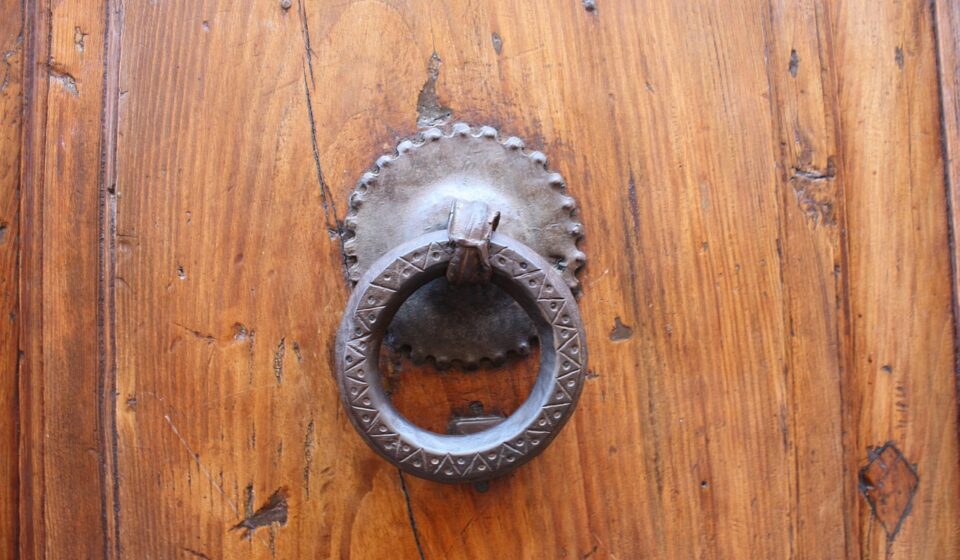
A door knob and deadbolt with keypad usually means a coordinated entry set, not one single lock body. In most sets, an electronic keypad deadbolt provides the main locking point, while the knob or lever operates the latch and completes the trim style. The keypad can remove the need to use a key for routine entry, but security and reliability still depend on the deadbolt, strike plate, door frame, power design, and how access codes are managed. Before choosing a model, compare the physical layout, security grade, code capacity, backup entry method, battery access, weather rating, and fit with the existing door preparation.
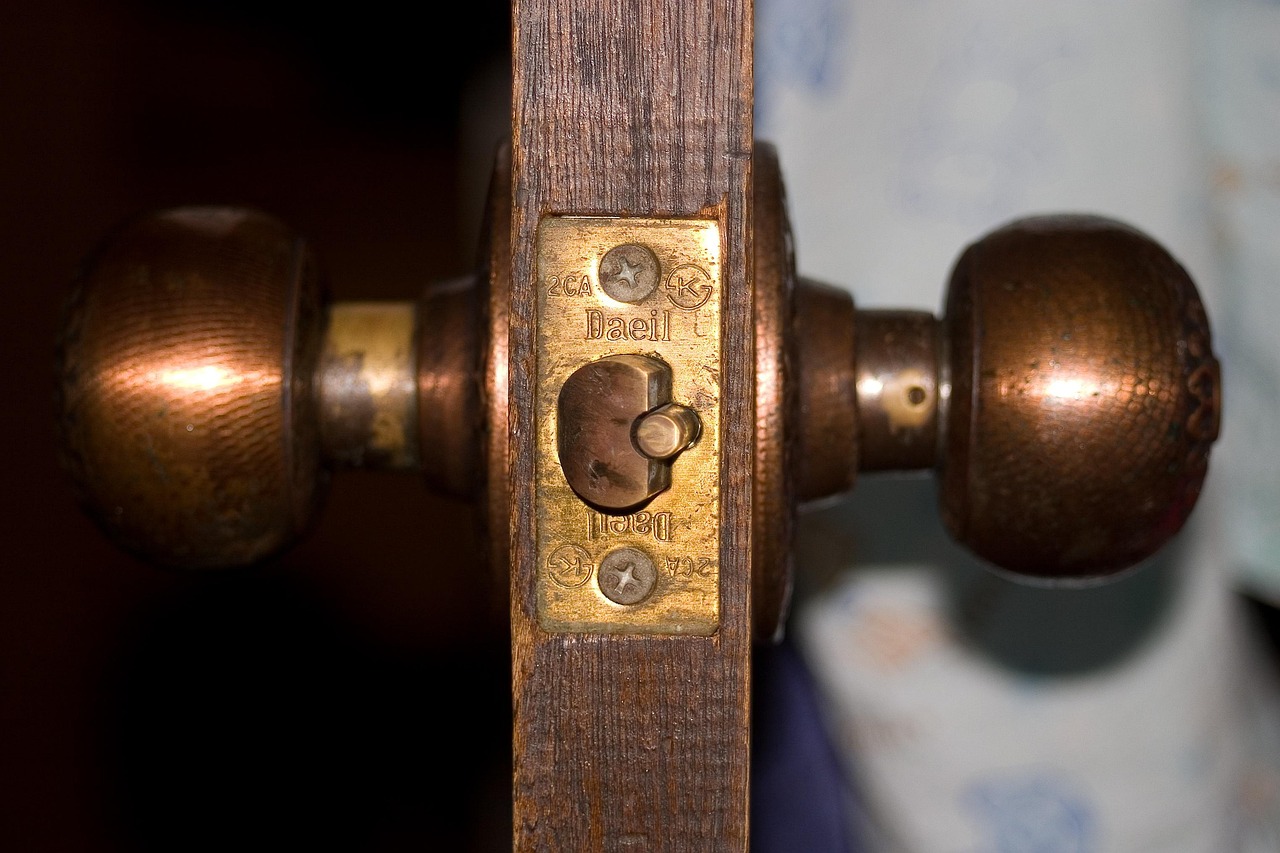
The same phrase can describe several product layouts. Some packages include a keypad deadbolt and a matching passage knob. Others pair a keypad lever with a separate mechanical deadbolt. Some smart lock systems combine a keypad, app control, door position sensing, and remote access. These differences matter because the knob normally controls only the spring latch, while the deadbolt provides the stronger locking point.
For readers comparing electronic locks, sensors, switches, and related entry hardware, the broader sensors and modules category is also relevant because many smart lock functions depend on small sensing and communication components, not only the visible keypad.
Start with the lock layout, not the keypad
The keypad is the most visible feature, but it should not be the first decision. Start with how the door needs to lock. A standard exterior residential door often uses two pieces of hardware: a knob or lever with a latch, and a deadbolt above it. A keypad can be added to the deadbolt, to the knob or lever, or to a separate trim piece.
Keypad deadbolt with passage knob
This is the most common arrangement for keyless front-door entry. The knob or lever is not normally locked from the outside; it opens the latch after the deadbolt has been unlocked. This layout reduces the chance of accidentally locking the knob while leaving the deadbolt open, and it keeps the main locking function on the stronger deadbolt.
Keypad knob or lever with mechanical deadbolt
This arrangement puts the keypad on the knob or lever. It can be convenient for interior rooms, small offices, storage rooms, or secondary entrances. For a main exterior entry, however, it needs closer review because a spring latch is not the same as a properly installed deadbolt. If the separate mechanical deadbolt is not used consistently, the door may rely too heavily on the knob latch.
Smart deadbolt with separate knob set
A smart deadbolt may include app control, remote unlocking, access logs, schedules, voice assistant integration, or compatibility with a home automation hub. In this layout, the knob remains mostly mechanical, while the deadbolt carries the electronics. This is often the cleaner option when the goal is keyless entry plus monitoring, rather than replacing every visible piece of door hardware.
Security grades and standards should be read carefully
Many buyers compare keypad functions first and only later notice the grade printed in the specifications. That order should be reversed. ANSI/BHMA lock grades are commonly used by manufacturers to describe tested performance levels for residential and commercial door hardware. In general use, Grade 1 represents the highest performance category, Grade 2 is often used for higher-duty residential or light commercial applications, and Grade 3 is commonly found on basic residential hardware. The exact grade and test category should be checked in the manufacturer specification sheet because not every component in a package necessarily carries the same rating.
It is also important not to mix up different types of standards. A lock grade is not the same as a smart-home certification, wireless protocol listing, or access-control safety standard. UL 294, for example, is associated with electronic access control system units and related performance requirements. That does not mean every residential keypad deadbolt is marketed or certified under that standard. For a typical home entry lock, the product’s own specification sheet and installation manual are usually more relevant than a broad access-control label.
A practical comparison separates product claims into three groups: mechanical strength, electronic access features, and connected-device behavior. A keypad with many code options may still use modest mechanical hardware. A strong deadbolt may have a simple keypad with no app. A Wi-Fi model may be convenient, but it also requires stronger account security and better battery planning.
Keypad features that affect everyday use
Keypad locks can look similar in product photos, but the day-to-day experience may be very different. The most useful features are not always the most visible ones. For most homes, reliable code management, clear battery warnings, a practical backup method, and a simple way to lock the door from outside matter more than decorative lighting or a long app menu.
User codes and temporary access
Check how many user codes the lock supports and whether codes can be added directly on the keypad, through an app, or both. A small household may need only a few permanent codes. A short-term rental, maintenance room, or shared workspace may need temporary, scheduled, or one-time codes. If codes will change often, app-based management can save time, but it also creates dependence on a phone, account, wireless connection, and firmware support.
Auto-lock and one-touch locking
Auto-lock can help households that often forget to turn the deadbolt, but it is not a substitute for a properly closed door. If the door is not fully seated, a motorized deadbolt may fail to extend or may drain the battery while trying to move against resistance. One-touch locking from the outside is simpler: the user presses a button to throw the deadbolt after leaving. This can be a useful middle ground for users who want convenience without relying entirely on a timer.
Backup access and power failure
Battery-powered locks should always be evaluated for low-battery and dead-battery situations. Common backup options include a mechanical key cylinder, external battery contacts for temporary power, or both. A hidden key cylinder can be useful, but it also means key control remains part of the security plan. If the lock has no mechanical key, all regular users should understand the emergency power method before the first battery failure occurs.
Smart features change the risk profile
An offline keypad deadbolt and a connected smart lock solve different problems. The offline model is often simpler: enter a code, operate the deadbolt, and maintain the batteries. A connected lock can add remote control, alerts, schedules, and access logs, but it also introduces network, account, app, and update considerations. See also: device architecture.
Consumer security guidance from agencies such as the U.S. Federal Trade Commission generally emphasizes changing default settings, using strong authentication, keeping connected devices updated, and securing the home network. Those principles apply directly to smart locks. A weak account password, shared phone access, or neglected firmware update can reduce the benefit of a strong physical lock.
Connectivity type also matters. Wi-Fi can support direct remote access but may use more power. Bluetooth is efficient for nearby control but usually needs a bridge or hub for remote functions. Z-Wave, Zigbee, Thread, or Matter support depends on the ecosystem and the specific model. Before buying, confirm whether the keypad deadbolt works independently if the internet is down. For a primary entry door, local keypad operation should remain available even when cloud services, a phone app, or a router are unavailable.
Installation fit is where many problems start
A keypad lock can be well designed and still perform poorly on the wrong door. The most common installation issues are mechanical, not electronic. Misaligned strike plates, warped doors, tight deadbolt holes, and incorrect backset measurements can make the motor work harder than intended. Over time, that can shorten battery life or cause intermittent locking failures.
Before ordering, measure the door thickness, backset, bore hole diameter, edge bore, and the distance between the knob and deadbolt. Many U.S. residential locks are designed around common door preparations, but older doors, metal doors, narrow stiles, and decorative glass doors may not match standard assumptions. Always compare your measurements with the product template instead of relying only on product photos.
Handing and swing direction also matter for some electronic locks. Many deadbolts can be programmed or automatically learned for left- or right-hand doors, but that setup step should not be skipped. If the lock tries to extend the bolt in the wrong direction or against the strike, the keypad may appear faulty even when the real issue is installation.
Practical comparison table
| Decision point | What to check | Why it matters |
|---|---|---|
| Lock layout | Keypad deadbolt, keypad lever, or smart deadbolt set | Determines whether the deadbolt or latch carries the main locking function |
| Grade information | ANSI/BHMA grade listed for the relevant lock component | Helps compare tested mechanical performance instead of relying on appearance |
| Code management | Number of codes, temporary codes, deletion process, scheduling | Affects households, rentals, staff access, and shared doors |
| Backup method | Mechanical key, emergency battery contacts, or both | Prevents lockout when batteries fail or electronics stop responding |
| Connectivity | Offline keypad, Bluetooth, Wi-Fi, hub-based, or smart-home protocol | Changes convenience, battery life, privacy, and account-security needs |
| Door compatibility | Door thickness, backset, bore size, strike alignment, weather exposure | Prevents motor strain, poor latch engagement, and installation delays |
Common mistakes to avoid
- Buying by keypad style alone. A bright touchscreen or modern button layout does not prove the deadbolt, strike, or frame will perform well.
- Ignoring the existing door prep. Product photos rarely show whether the lock fits your bore spacing, backset, or door thickness.
- Assuming smart means safer. Smart functions add convenience and monitoring, but they also require account security, updates, and network reliability.
- Using one shared code for everyone. Individual codes make it easier to remove access without reprogramming the entire household.
- Leaving the strike plate weak. A good deadbolt performs better when the strike, screws, and frame are installed correctly.
- Forgetting local code requirements. Double-cylinder deadbolts, egress rules, and rental property requirements can vary by location, especially outside a simple single-family residential use case.
Frequently asked questions
Is a keypad deadbolt more secure than a regular deadbolt?
Not automatically. Security depends on the deadbolt construction, grade, strike installation, door frame, code management, and backup cylinder design. A keypad improves convenience and can reduce key sharing, but the mechanical parts still matter.
Should the keypad be on the knob or the deadbolt?
For a main exterior door, a keypad deadbolt with a separate passage knob is often the more logical layout because the deadbolt remains the main locking point. A keypad knob or lever can be useful for interior rooms or secondary access points, but it should not replace consistent deadbolt use on a primary exterior entry.
What happens if the batteries die?
That depends on the model. Some locks include a mechanical key cylinder. Others offer temporary external battery contacts so the keypad can be powered long enough to unlock. Check this before buying, and teach all regular users the backup method.
Do I need Wi-Fi for a door knob and deadbolt with keypad?
No. Many keypad deadbolts work without Wi-Fi and allow local code entry only. Wi-Fi or hub-based connectivity is useful if you need remote unlocking, alerts, schedules, or app-based code management, but it is not required for basic keyless entry.
Can I install one myself?
Many residential keypad deadbolts are designed for screwdriver installation on standard pre-drilled doors. Installation becomes harder if the door is misaligned, the bore holes are nonstandard, the frame is damaged, or the existing hardware footprint does not match the new trim. In those cases, careful measurement or professional installation may prevent recurring lock problems.
Bottom line
The right door knob and deadbolt with keypad should be chosen as a complete entry system, not as a keypad accessory. Start with the physical lock layout, confirm grade information, check door compatibility, and then evaluate code management and smart features. For most homes, the practical goal is straightforward: a deadbolt that locks smoothly every time, a keypad that is easy to manage, a backup method that prevents lockouts, and electronics that do not add unnecessary complexity.